
.png)
Google Docs Dark Mode: How to Enable It on Any Device
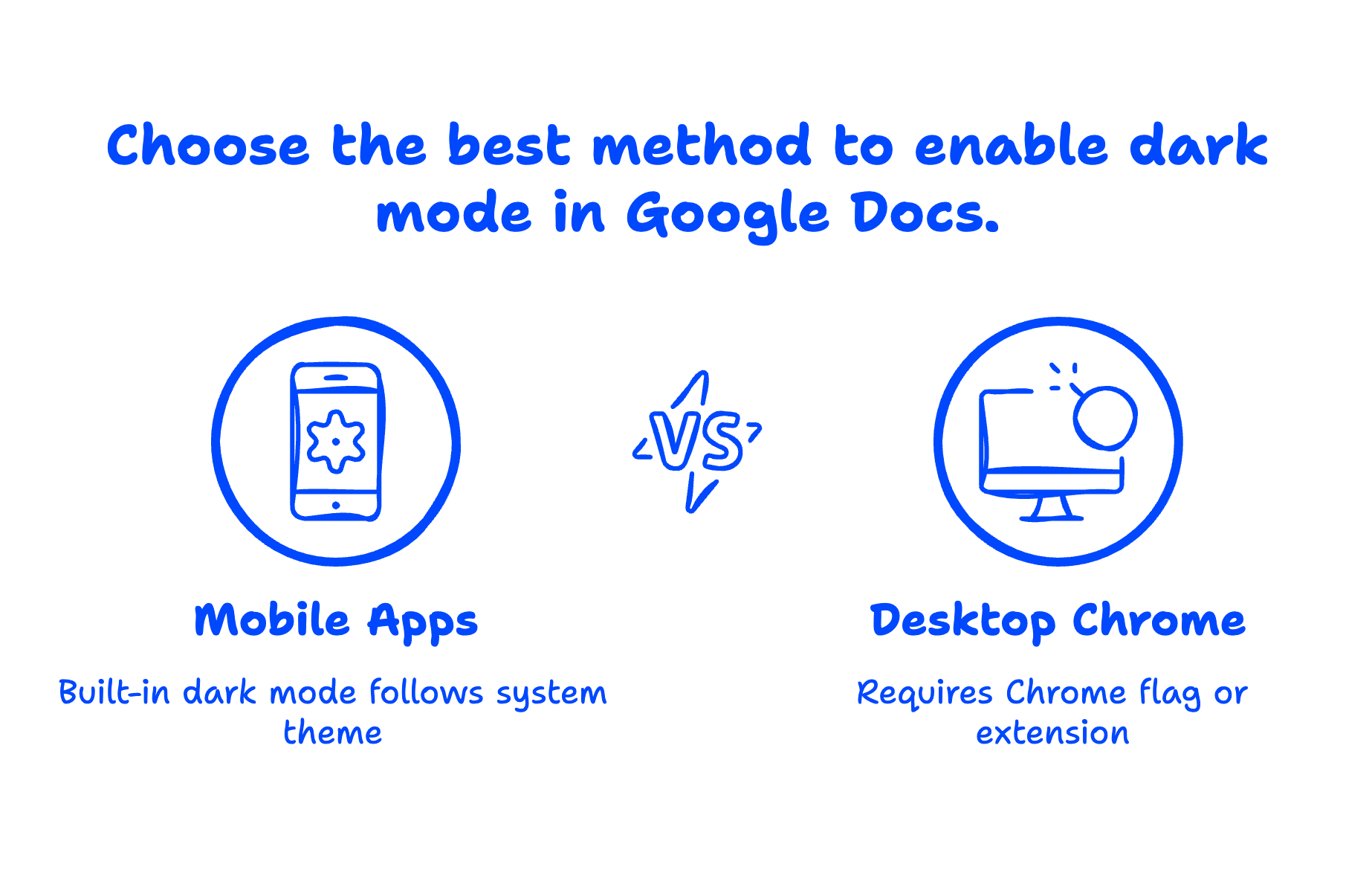
Yes, Google Docs has dark mode — but how you enable it depends on your device. On Android and iOS, dark mode is built into the Google Docs app. On desktop (Chrome browser), there's no native dark mode toggle yet, so you'll need to use a Chrome flag or a browser extension. Either way, it takes less than two minutes to set up.
Here's exactly how to get dark mode working on every platform you use.
Quick Takeaways
- Google Docs mobile apps (Android and iOS) have built-in dark mode that follows your device's system theme.
- Desktop Google Docs in Chrome doesn't have a native dark mode button — you'll need a Chrome flag or extension.
- The fastest desktop method is the Chrome flag
chrome://flags/#enable-force-darkwhich forces dark mode across all websites. - Chrome extensions like "Google Docs Dark Mode" give you more control over how dark mode looks.
- Google Workspace admins can't push dark mode settings to users — it's an individual preference on each device.
Does Google Docs Have a Dark Mode?
Partially. Google added dark mode to the Google Docs mobile apps (Android and iOS) a few years ago, and it works great. But on desktop — where most of us spend our workday — Google still hasn't shipped a native dark mode for Docs in the browser.
This is one of the most requested features in Google's support forums. Until Google builds it natively, the workarounds below are reliable and take just a minute or two.
How to Enable Dark Mode in Google Docs on Desktop (Chrome)
There are two solid approaches for desktop: a built-in Chrome flag and browser extensions.
Method 1: Use the Chrome Dark Mode Flag
This is the quickest approach and doesn't require installing anything.
- Open Chrome and type
chrome://flags/#enable-force-darkin the address bar. - Find "Auto Dark Mode for Web Contents" in the list.
- Change the dropdown from "Default" to "Enabled."
- Click "Relaunch" to restart Chrome.
That's it. Chrome will now force a dark theme on every website, including Google Docs, Sheets, and Slides. The document canvas itself will appear dark with light text.
One thing to note: this affects all websites you visit, not just Google Docs. If you only want dark mode for Google apps, an extension is a better choice.

Method 2: Use a Chrome Extension
If you want dark mode only for Google Docs without changing every other website, a dedicated extension is the way to go.
Two popular options from the Chrome Web Store:
- Google Docs Dark Mode — straightforward toggle specifically for Docs, Sheets, and Slides.
- Dark Reader — works across all websites but lets you whitelist or blacklist specific sites.
To install: Go to the Chrome Web Store, search for the extension name, click "Add to Chrome," and you're done. Most extensions add a small icon to your toolbar so you can toggle dark mode on and off.
For small business teams on Google Workspace, it's worth knowing that these extensions work the same way on business accounts as they do on personal Google Workspace accounts. There's no admin console setting that blocks them (unless your IT team has restricted Chrome extension installs).
If you manage a Google Workspace account, you might want to explore what the Super Admin role can actually control — spoiler: dark mode isn't one of them, but there's a lot you can do.

How to Enable Dark Mode in Google Docs on Android
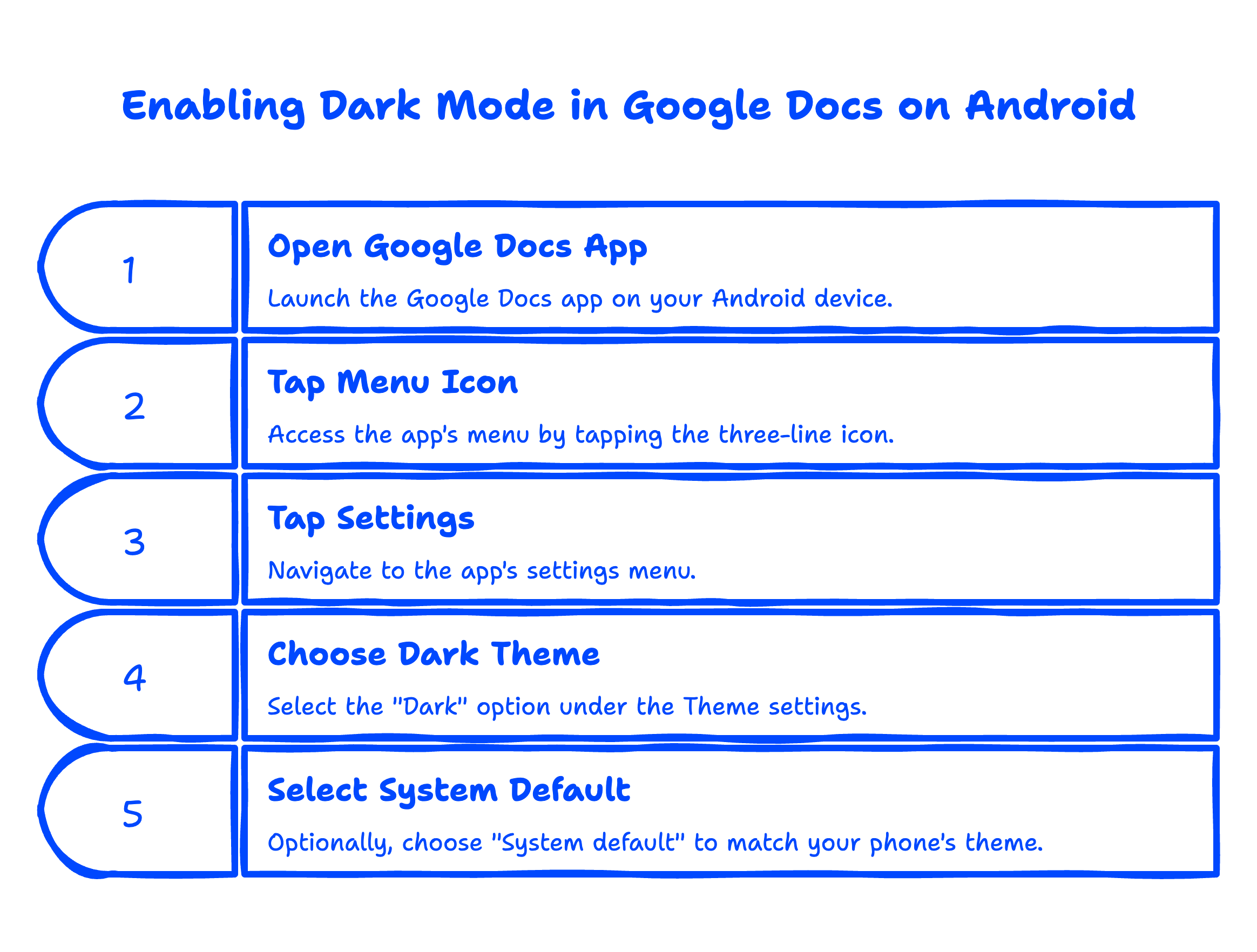
Dark mode is built right into the Google Docs Android app. Here's how to turn it on:
- Open the Google Docs app on your Android phone or tablet.
- Tap the three-line menu icon (top left).
- Tap Settings.
- Under Theme, choose Dark.
You can also select "System default" so Google Docs automatically follows your phone's dark mode setting. If your phone is set to dark mode, Docs will be dark. If it's in light mode, Docs stays light.
How to Enable Dark Mode in Google Docs on iPhone and iPad
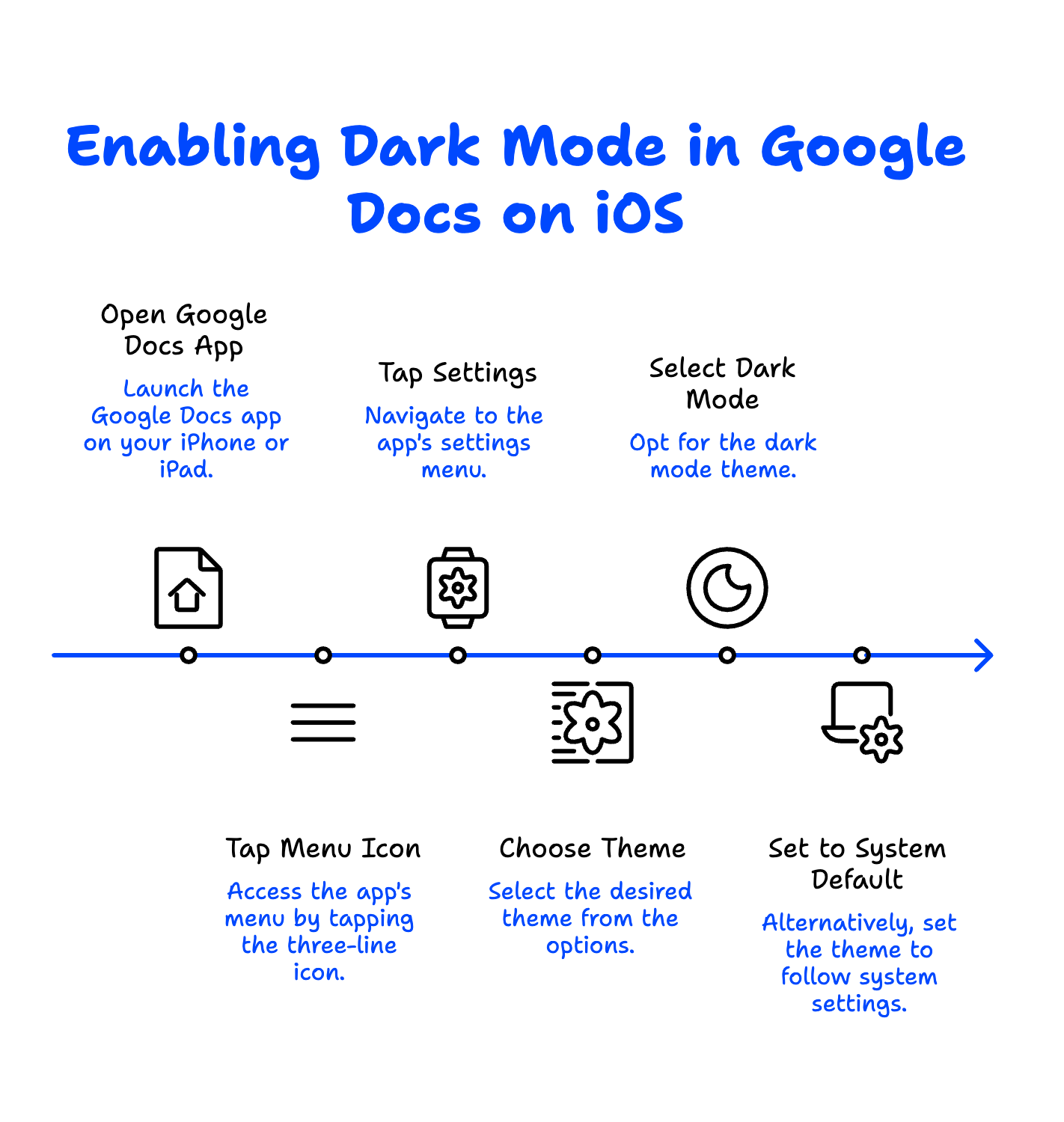
Similar to Android, the iOS Google Docs app supports dark mode:
- Open the Google Docs app.
- Tap the three-line menu icon.
- Tap Settings.
- Under Theme, choose Dark.
Or set it to "System default" and it'll follow whatever your iPhone is set to under Settings → Display & Brightness.
How to Enable Dark Mode in Google Docs on Chromebook
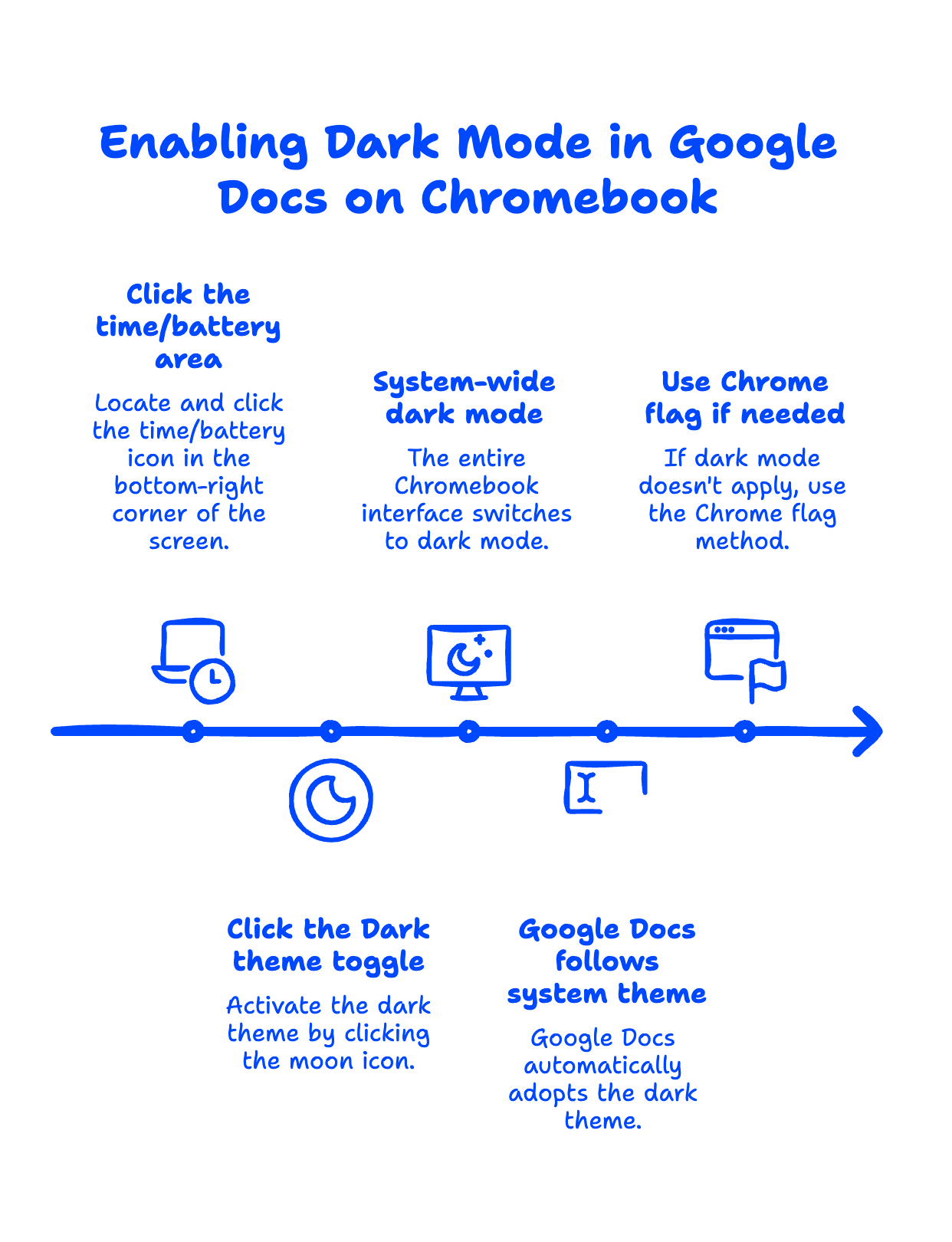
Chromebooks have a system-level dark mode that applies to Google Docs when you're working in the browser:
- Click the time/battery area in the bottom-right corner.
- Click the Dark theme toggle (moon icon).
This switches your entire Chromebook interface to dark mode, including Chrome browser. Google Docs in the browser will follow the system theme automatically on most newer Chromebooks.
If it doesn't apply to Google Docs specifically, use the Chrome flag method described in the desktop section above — it works the same way on ChromeOS.
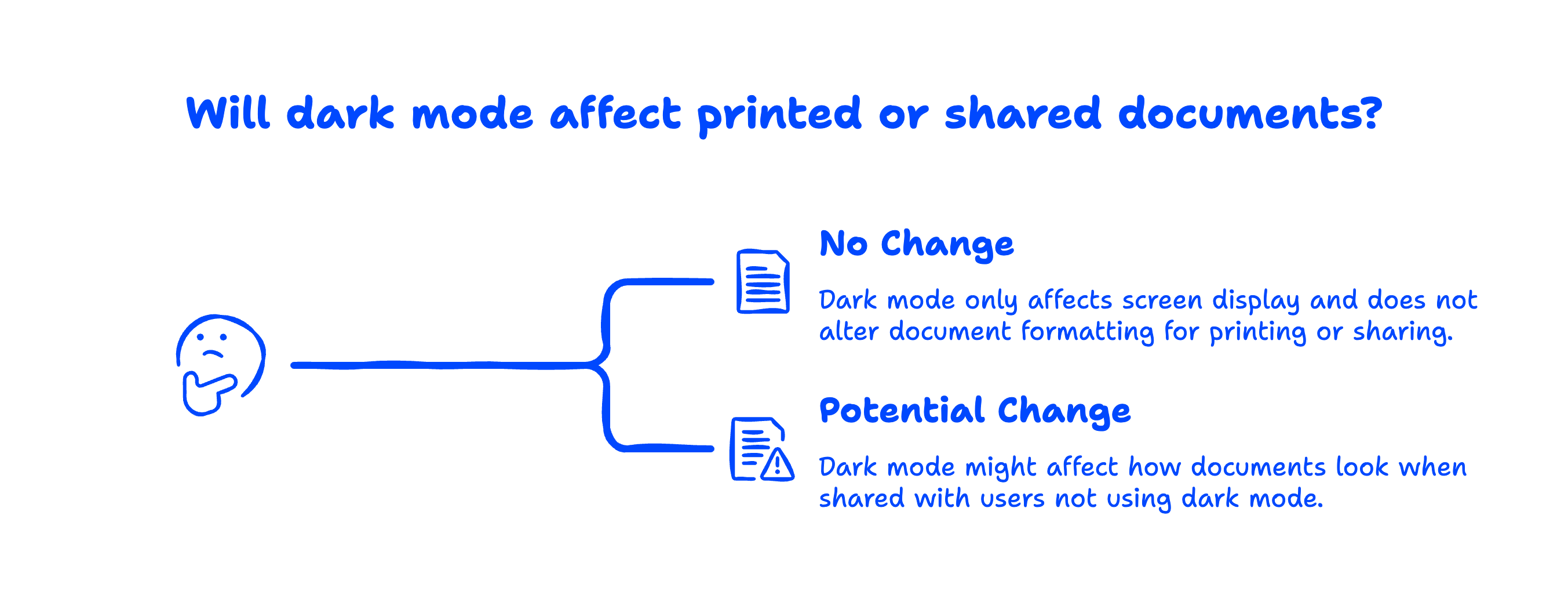
Will Dark Mode Change How My Documents Look When Printed or Shared?
No. Dark mode only changes what you see on your screen. When you print a document, export it as PDF, or share it with someone who's not using dark mode, they'll see the normal white background with dark text. Your document formatting stays exactly the same.
This is important for business users — you don't need to worry about dark mode affecting client-facing documents or proposals. It's purely a display preference.
For the latest on Google's own dark mode roadmap, you can check the Google Docs editor help center.
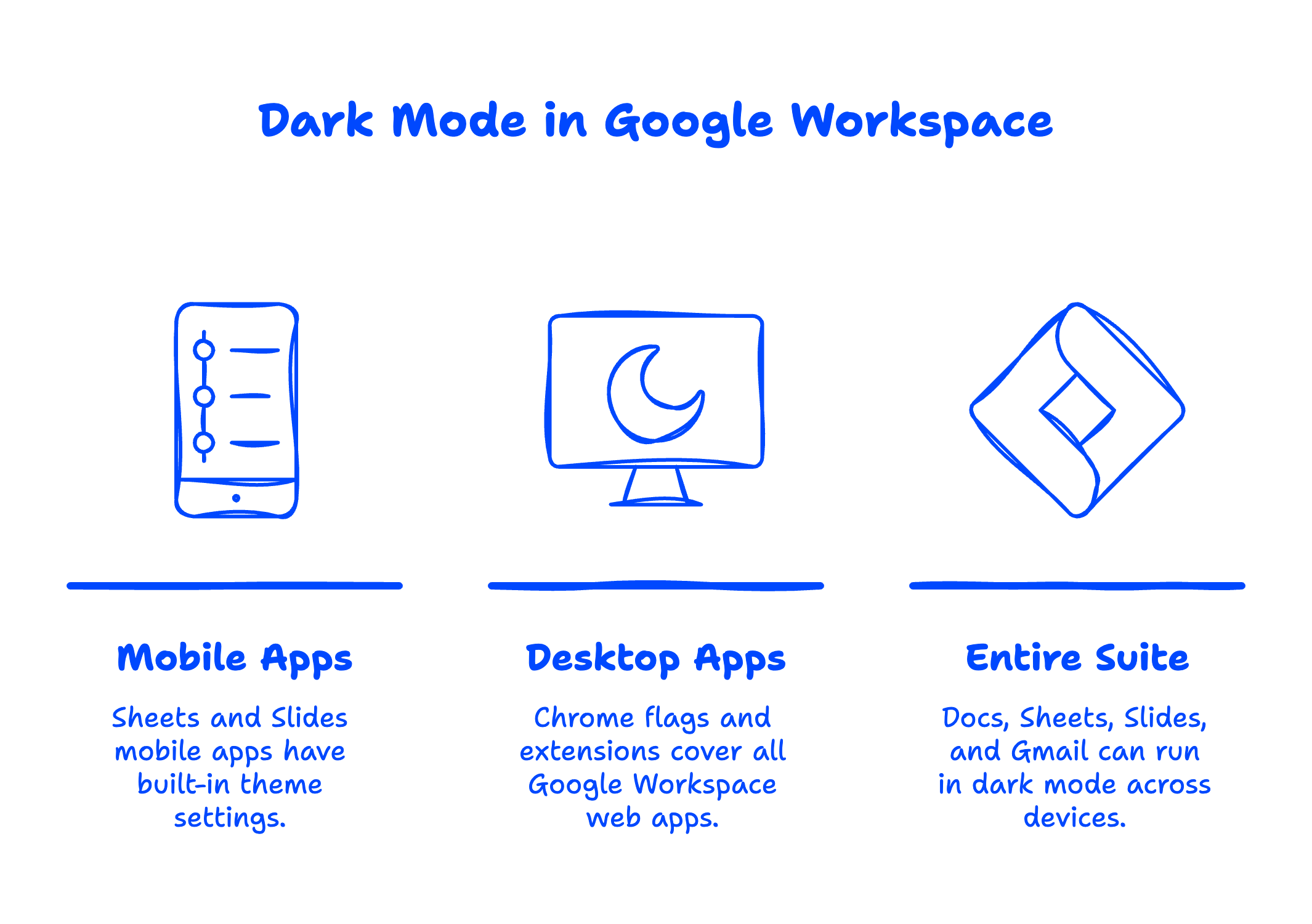
Does Dark Mode Work in Google Sheets and Slides Too?
Yes, all the methods above apply to Google Sheets and Google Slides as well. The mobile apps for Sheets and Slides have the same built-in theme settings. On desktop, the Chrome flag and extensions cover all Google Workspace web apps equally.
If you're using Google Workspace for your business, this means your entire productivity suite — Docs, Sheets, Slides, and even Gmail — can run in dark mode across all your devices.
Not sure which plan gives you the features your team actually needs? Here's our comparison of Google Workspace Starter vs Standard vs Plus to help you decide.
FAQ
Why doesn't Google Docs have native dark mode on desktop?
Google hasn't explained why, but it's likely a priority issue. The mobile apps got dark mode years ago, and Google's support forums are full of requests for a desktop version. Until it ships natively, the Chrome flag and extension methods are the best alternatives.
Does dark mode in Google Docs save battery?
On OLED and AMOLED screens (common on newer phones and some laptops), dark mode can reduce battery consumption since black pixels are actually turned off. On traditional LCD screens, the difference is minimal.
Can my Google Workspace admin force dark mode for everyone?
No. Dark mode is an individual user preference. There's no Google Workspace admin console setting to push dark mode to all users in your organization. Each person needs to enable it on their own devices.
Will dark mode work with Google Docs offline?
Yes. Once you've enabled dark mode through any of the methods above, it works whether you're online or offline. The setting is stored locally on your device.
Does dark mode affect Google Docs add-ons or extensions?
Some add-on sidebars may not fully support dark mode and could appear with a white background. This varies by add-on. The main document editing area will be in dark mode regardless.
Related Posts
Explore Tips and Guides! Discover expert insights and practical guides for optimizing your Google Workspace experience with our informative resources.










.png)
.png)
.png)
.png)
.png)
.png)
.png)
.png)


.png)

.png)





.png)
.png)


.png)


.png)