

Google Workspace vs Google One: It Was Never About Storage
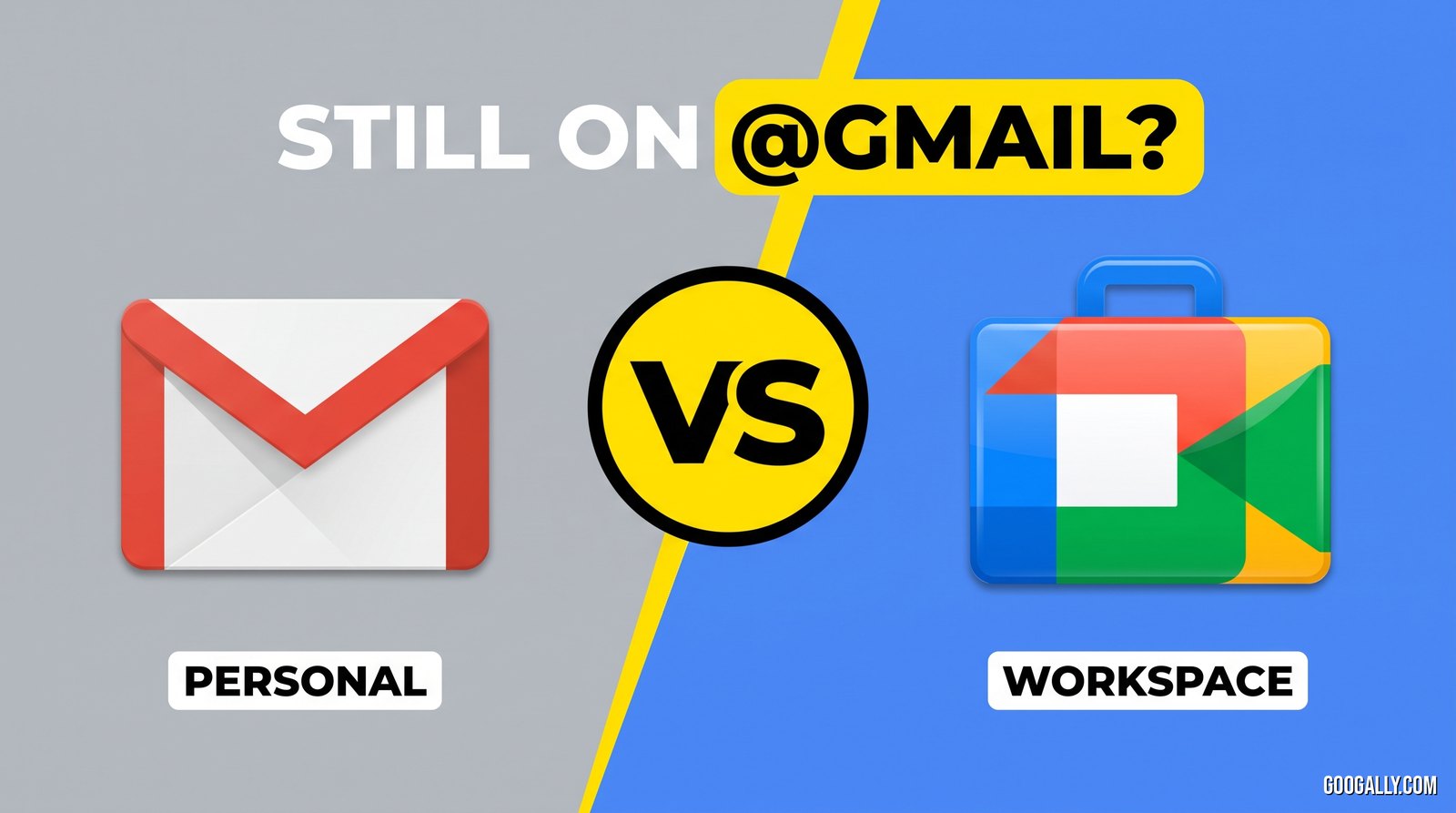
Google Workspace and Google One sound similar, but they solve completely different problems. Google One is a personal subscription that adds cloud storage and AI features to your existing @gmail.com account. Google Workspace is a business product that gives you professional email at your own domain (you@yourcompany.com), admin controls, and team management. In short: if you want more space and Gemini on your personal account, that's Google One. If you're running a business and need a professional email address and control over your team's accounts, that's Google Workspace. This guide breaks down exactly how they differ, what each costs, and which one you actually need.
Quick Takeaways
- Google One = extra storage + AI perks on a personal Google account. Google Workspace = professional email + admin controls for a business.
- Google One keeps your @gmail.com address. Google Workspace gives you a custom-domain address like you@yourbusiness.com.
- Google One has no admin console, no user management, and no business support. Google Workspace is built for teams.
- Google One starts free (15 GB) and runs from about $1.99/mo; Google Workspace starts at $7/user/month on an annual plan.
- You can have both — a personal Google One plan and a Google Workspace account for your business.
What is the difference between Google Workspace and Google One?
The core difference is who each product is for. Google One is a consumer subscription tied to a single personal Google account, while Google Workspace is a business subscription licensed per user with its own admin layer.
Google One exists to expand your personal Google account. Everyone gets 15 GB free across Gmail, Drive, and Photos; when that fills up, Google One buys you more (100 GB, 200 GB, 2 TB, and higher), and the pricier tiers now bundle Gemini AI features, a VPN, family sharing for up to five people, and extras like advanced photo editing. It's the same @gmail.com you already use — just with more room and more features.
Google Workspace is a different animal. It's the platform we use to move businesses off Rackspace, GoDaddy, and Microsoft 365 every week, and it's designed around a company, not a person. You get email at your own domain, an admin console to add and remove employees, security and access policies, and business-grade versions of Gmail, Drive, Meet, and Calendar. To understand the full picture of what it includes, see our guide on what Google Workspace is.
Google Workspace vs Google One: side-by-side comparison
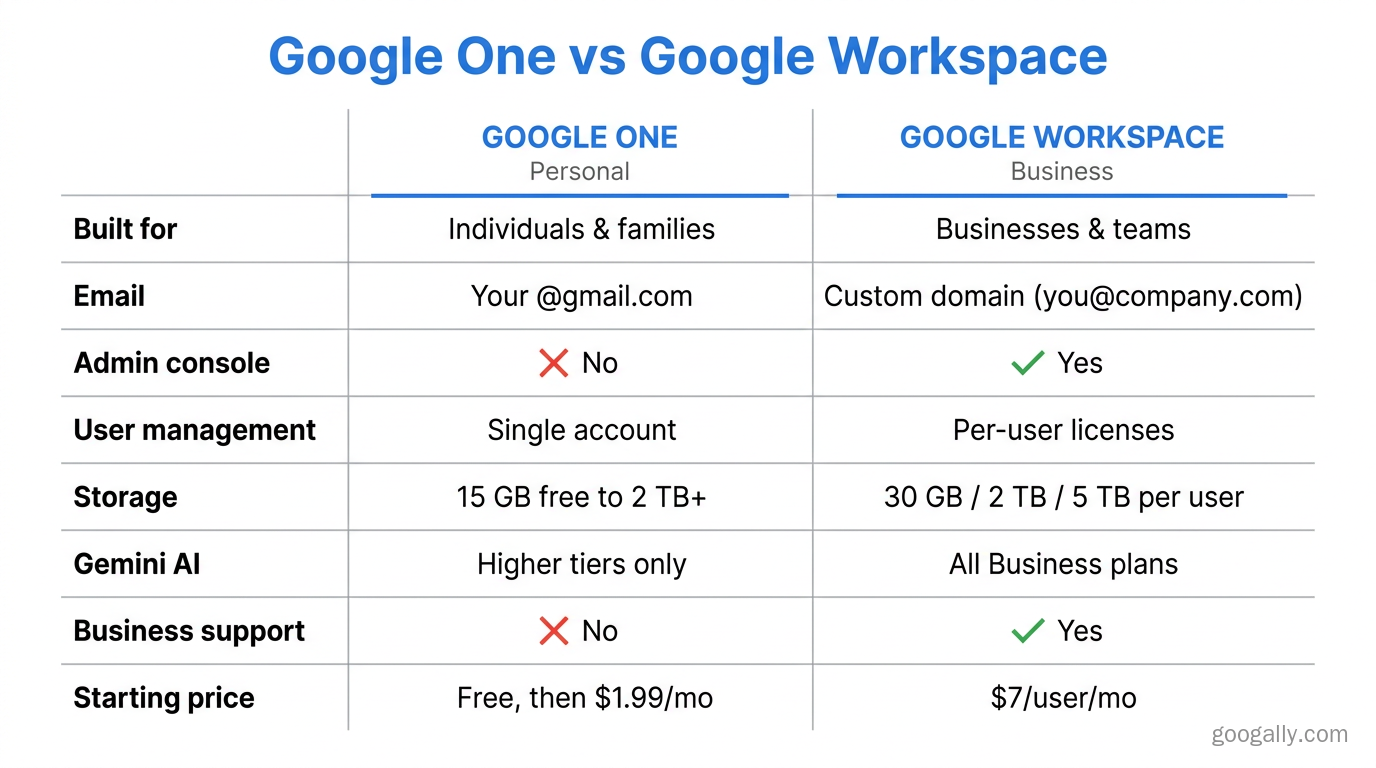
Here's the fastest way to see the split. This table covers the differences that actually matter when you're deciding.
| Feature | Google One | Google Workspace |
|---|---|---|
| Built for | Individuals & families | Businesses & teams |
| Email address | Your existing @gmail.com | Custom domain (you@yourcompany.com) |
| Admin console | No | Yes — manage users, security, devices |
| User management | Single account (or family) | Per-user licenses, add/remove staff |
| Storage | 15 GB free, then 100 GB–2 TB+ | 30 GB / 2 TB / 5 TB per user |
| AI (Gemini) | On higher/AI tiers | Included on all Business plans |
| Business support | Consumer help only | Business support included |
| Data ownership | Personal | Company owns and controls accounts |
| Starting price | Free, then ~$1.99/mo | $7/user/mo (annual) |
Can I use Google One for business?
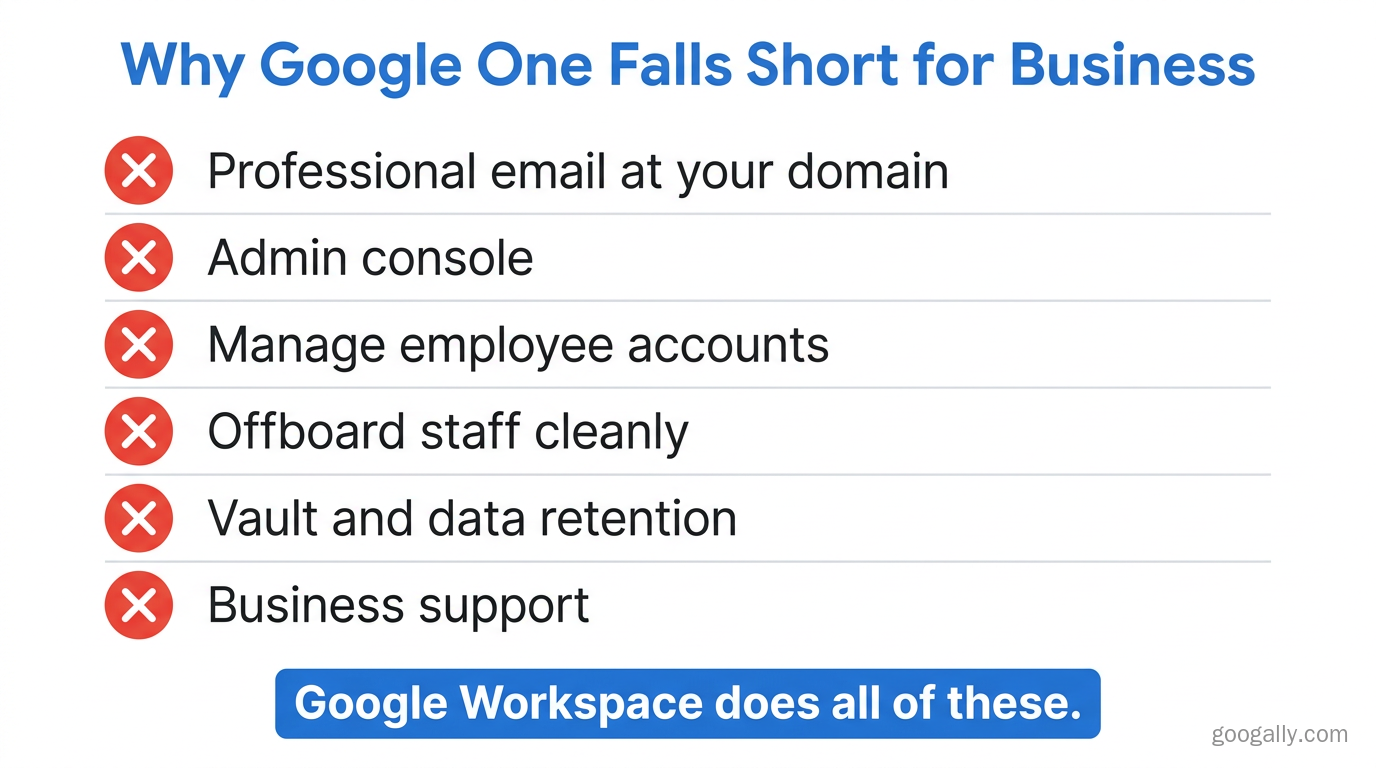
You can pay for Google One while running a business, but it won't give you the things a business actually needs. Google One has no custom-domain email, no admin console, no way to manage employee accounts, and no business support — so it's a poor fit for anything beyond a solo operator using a personal address.
The biggest gap is your email identity. With Google One you're still emailing clients from something like yourname@gmail.com, which looks unprofessional and, more importantly, isn't owned or controlled by your company. If an employee leaves, you can't reclaim a personal Gmail account. With Google Workspace, every mailbox lives under your domain, and the admin console lets you suspend a departing employee and reassign their email and files in minutes. That control is the whole point of a business platform. If you're weighing the upgrade, our take on whether Google Workspace is worth it walks through the real-world payoff.
There's also a genuine overlap that fuels the confusion: both products can add storage and both now surface Gemini. But storage and AI are features — they don't make Google One a business tool any more than a bigger glovebox makes a car a delivery van.
Does Google One include email?
No — Google One does not include a business email service. It adds storage and features to the Gmail inbox you already have on your personal account, but it does not create a new professional email address at your own domain.
This trips people up because Gmail storage and Google One storage are shared, so buying Google One feels email-related. But you're just enlarging the mailbox attached to your @gmail.com. To send and receive mail as you@yourbusiness.com, you need Google Workspace, which provisions real business mailboxes on your domain. You can read more about the product itself on Google's official Google One page.
How much do Google One and Google Workspace cost?
Google One is priced per account and Google Workspace is priced per user, which makes them hard to compare directly — but here's the shape of it.
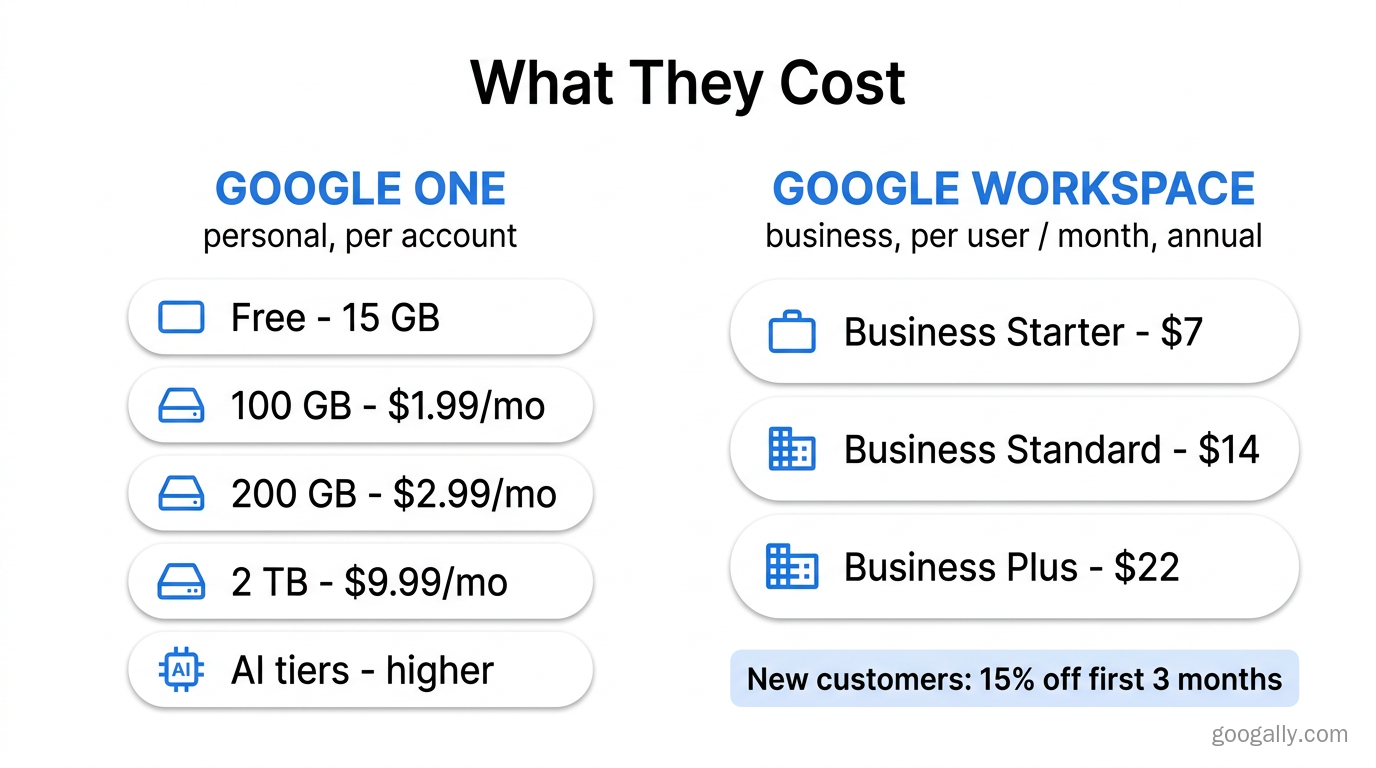
Google One starts free with 15 GB. Paid personal plans run roughly $1.99/month for 100 GB, $2.99/month for 200 GB, and $9.99/month for 2 TB, with higher AI-focused tiers costing more and adding advanced Gemini features. Because it's a personal plan, one subscription covers one account (plus family sharing).
Google Workspace is billed per user per month. On an annual commitment the Business plans are $7 (Starter), $14 (Standard), and $22 (Plus) per user, with a monthly/flexible option costing a little more. Every plan includes custom email, the full app suite, Gemini, and business support. If you're comparing tiers, our breakdown of Business Starter vs Standard vs Plus helps you pick.
One more thing worth knowing: as an authorized Google partner, new customers can get 15% off the first 3 months for new customers on any Business plan. You can grab a Google Workspace promo code and apply it at checkout. For a wider look at trimming the bill, see the cheapest way to get Google Workspace.
Which is better, Google One or Google Workspace?
Neither is "better" — they're built for different jobs, and the right choice comes down to what you're doing.
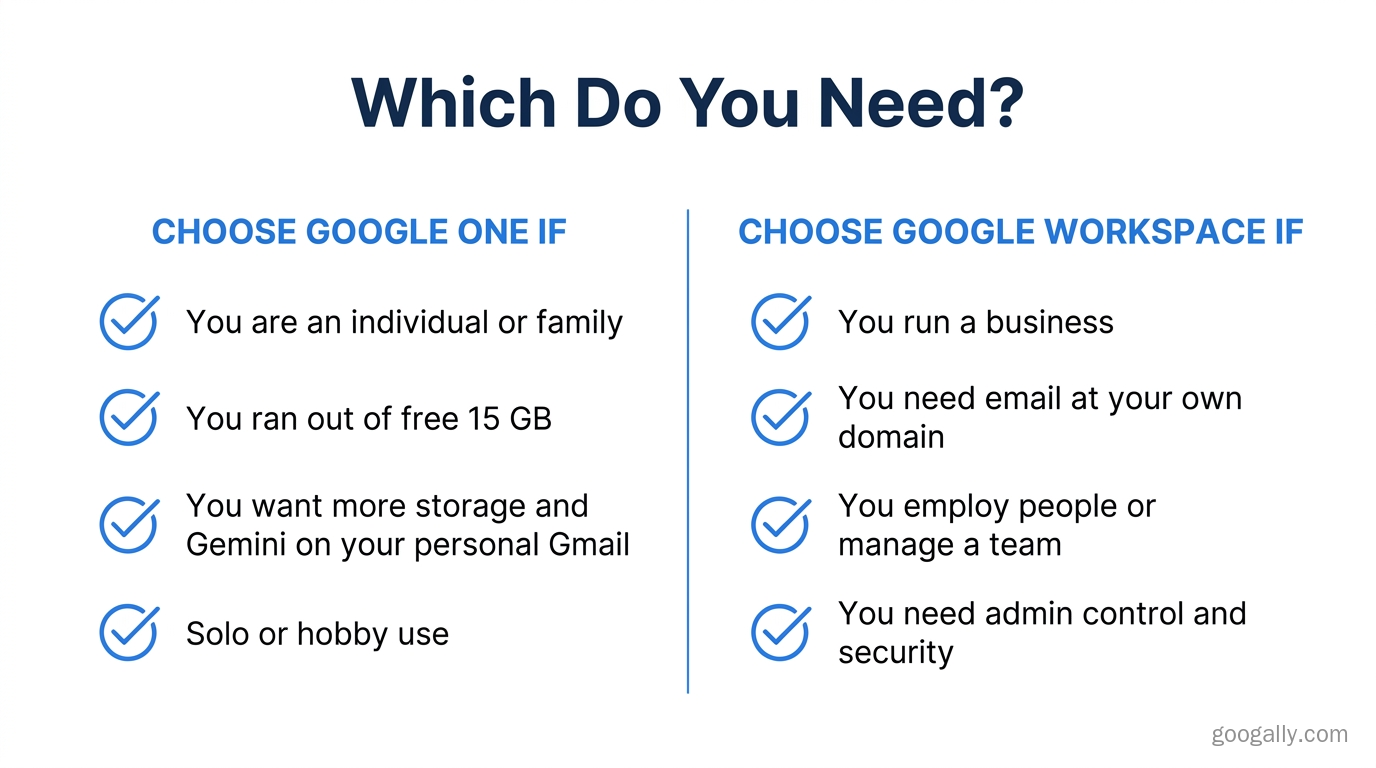
Choose Google One if you're an individual or family who has simply run out of the free 15 GB, wants more room for photos and files, and likes the idea of Gemini and extras on your personal account. It's also fine for a hobby project or a solo freelancer who is genuinely happy using a personal Gmail address.
Choose Google Workspace if you run a business, employ people, or want to send email from your own domain. The moment you need a second mailbox, a professional address, shared drives your company controls, or the ability to offboard someone cleanly, you've outgrown Google One. Curious whether the consumer route can stretch further? We cover that edge case in Google Workspace for personal use.
In our experience migrating small businesses, the tipping point is almost always email identity and control — not storage. People think they have a storage problem and discover they actually have a "we need to look professional and manage our team" problem.
Frequently Asked Questions
Is Google One the same as Google Workspace?
No. Google One is a personal storage-and-AI subscription for your @gmail.com account, while Google Workspace is a business product with custom-domain email, an admin console, and per-user licensing. They share the Google name and some features, but serve different users.
Can I have both Google One and Google Workspace?
Yes. Many business owners keep a personal Google One plan for their own @gmail.com storage and separately run Google Workspace for their company email and team. The two subscriptions live on different accounts and don't interfere with each other.
Does Google One give me a professional email address?
No. Google One only expands the Gmail inbox on your existing personal account. To get a professional address like you@yourcompany.com, you need Google Workspace, which creates real mailboxes on your own domain.
Is Gemini AI available in both Google One and Google Workspace?
Gemini appears in both, but differently. On Google One it's bundled into the higher/AI subscription tiers on a personal account, whereas Google Workspace now includes Gemini across all Business plans for every licensed user.
Which has more storage, Google One or Google Workspace?
It depends on the plan. Google One personal plans go up to several terabytes on a single account, while Google Workspace gives each user 30 GB (Starter), 2 TB (Standard), or 5 TB (Plus) — scaled across your whole team rather than one person.
Not sure whether your business has outgrown a personal Google account? That's exactly the switch we handle every week — professional email, zero downtime, no data left behind. See how our Google Workspace migration works and start sending mail from your own domain.
Related Posts
Explore Tips and Guides! Discover expert insights and practical guides for optimizing your Google Workspace experience with our informative resources.
















.png)
.png)
.png)
.png)
.png)
.png)
.png)
.png)


.png)
.png)

.png)




.png)
.png)


.png)


