
Personal Gmail vs Google Workspace: Which Do You Need?
Here's the short answer: personal Gmail (your free @gmail.com account) is perfect for personal email, but Google Workspace is what you want the moment email becomes part of a business. The two look almost identical when you open the inbox — same Gmail interface, same search, same app. The difference is everything around it: Workspace gives you a professional address at your own domain (you@yourbusiness.com), admin controls, more storage, stronger security, and real support. If you're deciding between Google Workspace vs personal Gmail, the honest rule of thumb is: hobby or household use, stay free; anything with customers, invoices, or a team, upgrade. I've helped teams make this exact switch at Googally, and it's usually simpler than people fear.
Quick Takeaways
- Personal Gmail is free and great for individuals — 15 GB shared storage, a @gmail.com address, and consumer-grade features.
- Google Workspace is paid and built for business — custom-domain email, admin console, 30 GB+ of storage per user, no ads, and 24/7 support.
- The inbox looks the same; what changes is professionalism, control, storage, and security.
- @gmail.com is a personal email domain — a business address on your own domain signals trust and lets you add or remove staff mailboxes.
- New customers can start Workspace at 15% off the first 3 months — an easy way to try it before fully committing.
What's the Difference Between Personal Gmail and Google Workspace?
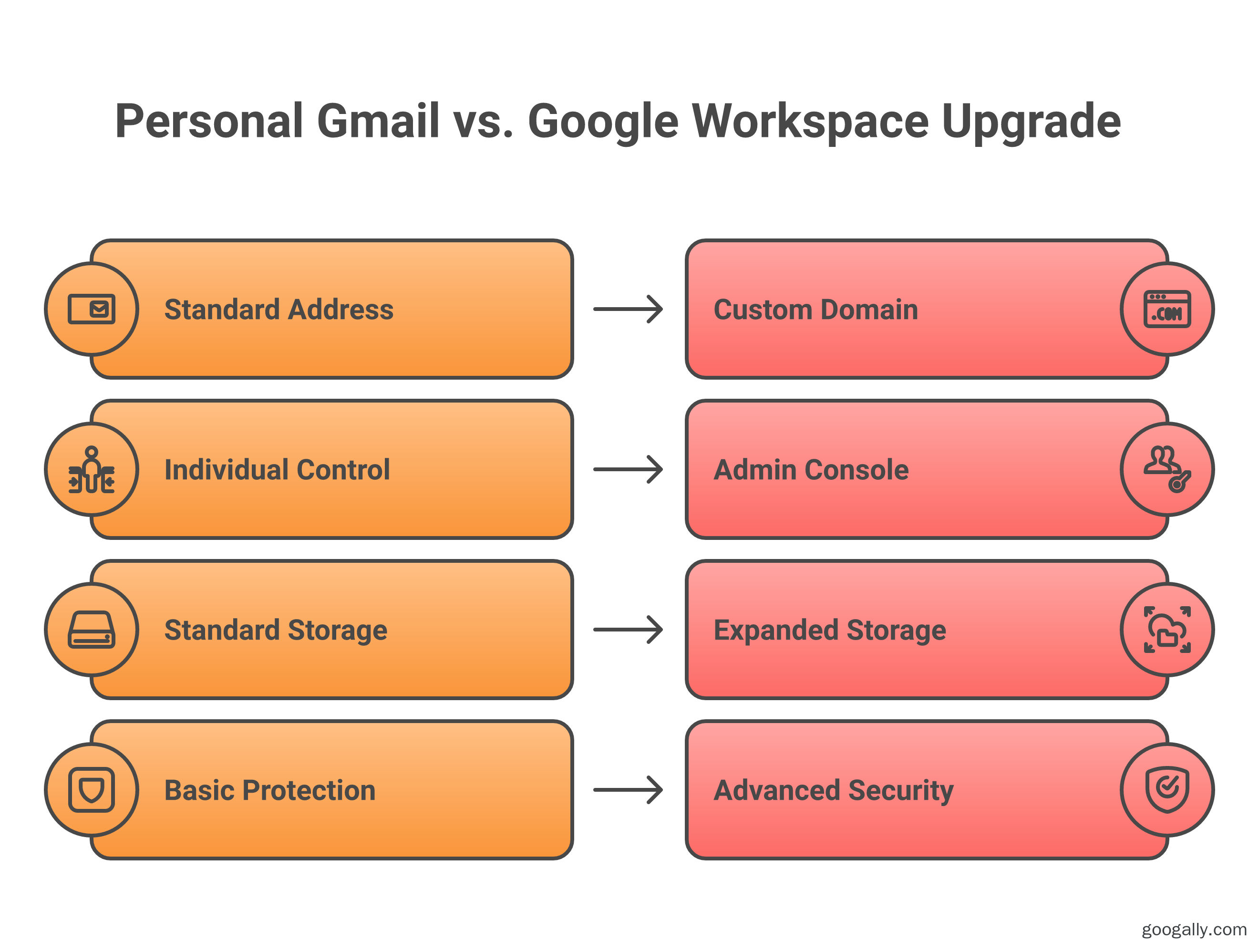
The core difference is ownership and control: personal Gmail is a free consumer account tied to a @gmail.com address, while Google Workspace is a paid business subscription that runs Gmail on your own domain with admin management on top. Both use the same Gmail engine, so your day-to-day emailing feels identical. What you're really paying for with Workspace is the business layer: your own domain, control over user accounts, and features consumer Gmail simply doesn't offer.
Think of it like renting a desk in a shared café (personal Gmail) versus leasing your own office suite (Workspace). The café is free and works fine for a while — but you can't put your company name on the door, you can't give teammates keys, and if something breaks there's no landlord to call.
Here's how the two compare at a glance:
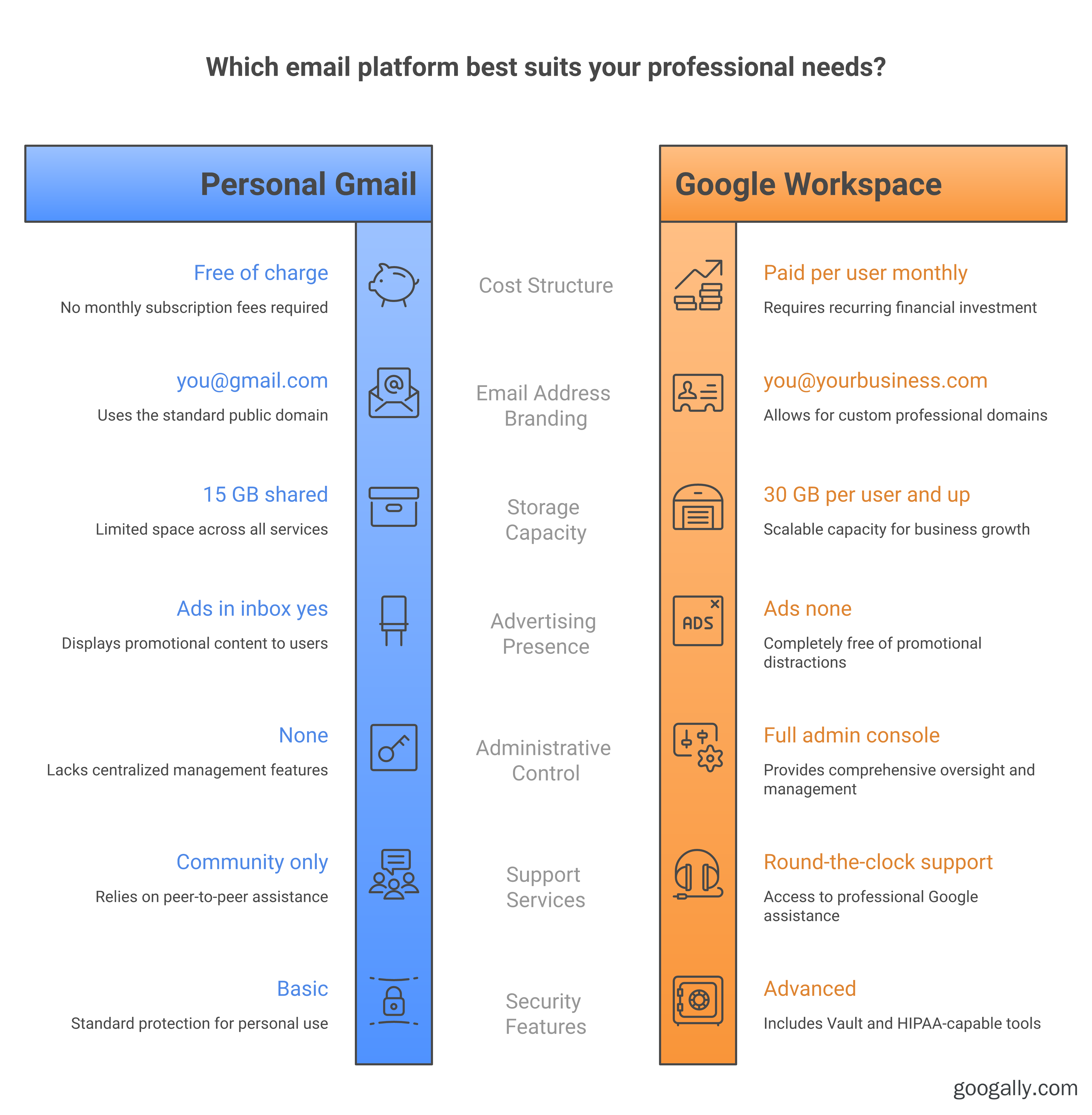
| Feature | Personal Gmail (Free) | Google Workspace (Paid) |
|---|---|---|
| Email address | you@gmail.com | you@yourbusiness.com |
| Price | Free | Per user, per month (single digits to start) |
| Storage | 15 GB shared across Gmail, Drive, Photos | 30 GB per user (Business Starter) and up |
| Ads in inbox | Yes (free consumer tier) | No ads |
| Admin controls | None | Full admin console |
| Add/remove team mailboxes | No | Yes |
| Support | Community help only | 24/7 Google support |
| Security & compliance | Basic | Advanced (Vault, controls, HIPAA-capable) |
Why Use Google Workspace Instead of Personal Gmail?
You use Google Workspace instead of personal Gmail when you need a professional email address, control over your accounts, and business-grade reliability. For a business, those aren't luxuries — they're the difference between looking established and looking like a side project.
The biggest reason is the address itself. Emailing a prospect from janes.bakery.nyc.99@gmail.com quietly undercuts trust, while jane@janesbakery.com says you're a real business. Beyond appearances, Workspace gives you:
- Custom-domain email for you and every teammate, so your whole team is on-brand.
- An admin console to create mailboxes, reset passwords, and — importantly — reclaim an account when someone leaves. With personal Gmail, an ex-employee's inbox walks out the door with them.
- More storage, starting at 30 GB per user on Business Starter and scaling into terabytes on higher plans.
- No ads, stronger security controls, and 24/7 support from Google when something urgent breaks.
In our experience migrating small businesses, the "aha" moment is usually account control. The day a business owner realizes they can suspend a departed contractor's mailbox — and keep every email that lived in it — is the day free Gmail stops making sense. If you want the deeper feature breakdown, see what Google Workspace includes.
Is Personal Gmail Really Free — and Is @gmail.com a Personal Domain?
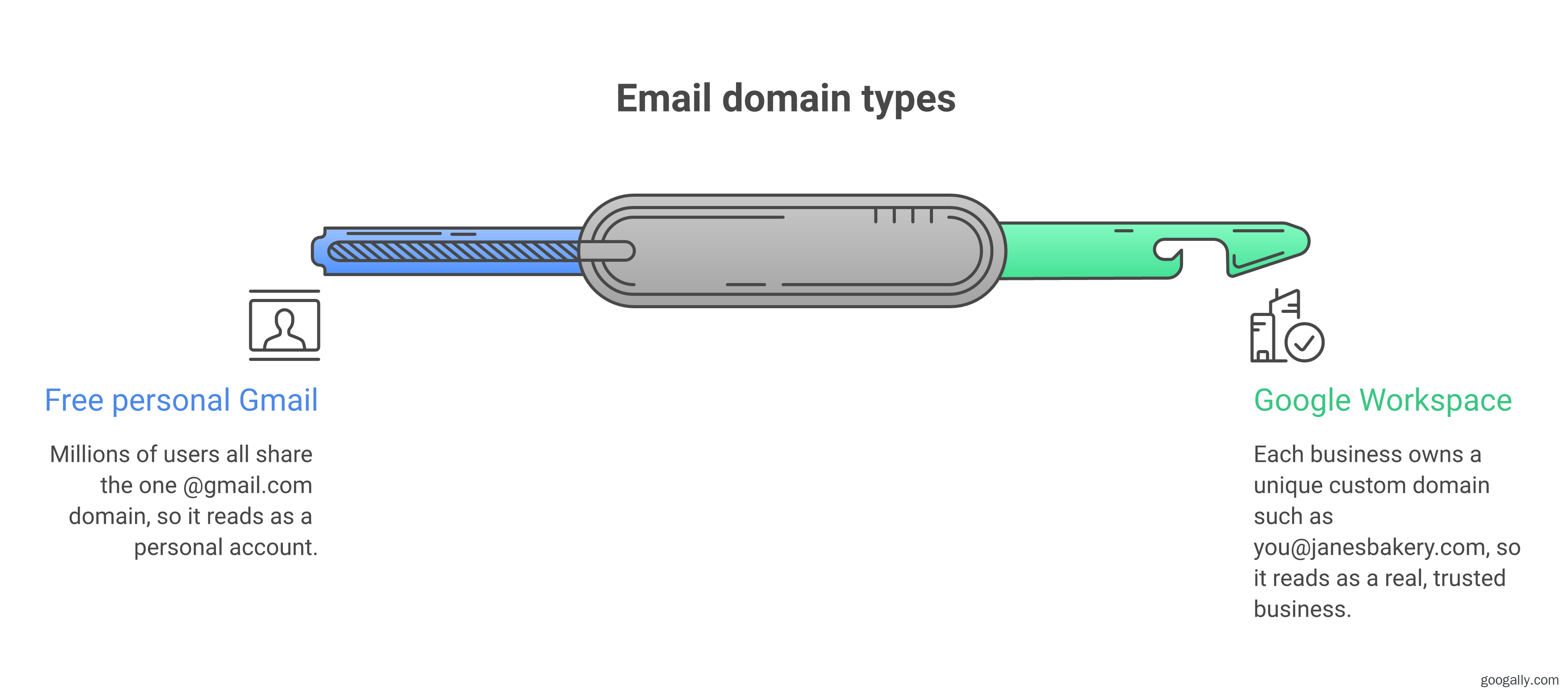
Yes. Personal Gmail is free forever for individuals, and @gmail.com is a personal (consumer) email domain shared by everyone with a free account. You get 15 GB of storage shared across Gmail, Google Drive, and Google Photos, with the option to buy more through Google One if you fill it up.
Because @gmail.com is a shared consumer domain, you can't make it your own or brand it. Every free user is on the same @gmail.com — which is exactly why it reads as "personal" to anyone receiving your email. A custom domain, by contrast, is uniquely yours, and that's only available through a paid product like Google Workspace or another business email host. If cost is your main hesitation, our guide on whether Google Workspace is free walks through the free trial and the real numbers.
Can I Use a Personal Gmail Account for My Business?
You can, but you probably shouldn't past the very earliest days. A personal Gmail account will send and receive business email fine, but it can't use your own domain, can't be centrally managed, and puts your business data on an account Google considers personal. It's a fine bridge for a weekend idea; it's a liability once real money and real customers are involved.
The practical problems show up fast. You can't add a colleague under your business's control. You can't enforce security policies. If the account gets locked or the owner leaves, recovering years of customer email is painful and sometimes impossible. And when tax season, a legal request, or an audit arrives, personal Gmail has no Vault, no retention controls, and no admin oversight. This is why nearly every business we've migrated eventually moves to a proper Google Workspace Business Starter mailbox on their own domain.
What Does Google Workspace Cost, and How Do You Upgrade?
Google Workspace is a per-user, per-month subscription that starts in the single digits for the entry Business Starter plan and scales up through Standard and Plus as you need more storage, security, and meeting features. You pay for each mailbox, which is what funds the admin controls, custom domain, and support that free Gmail lacks.
Upgrading is far less disruptive than most owners expect. You keep the Gmail interface you already know, your existing messages can be migrated over, and your new professional address is live once your domain is verified.
As an authorized Google partner, we offer new customers a Google Workspace promo code for 15% off the first 3 months on Business Starter, Standard, or Plus — a simple way to test the switch at a lower cost.
If you're weighing exact plan differences and prices, start with our Google Workspace pricing and plans breakdown.
And if you're moving from an existing inbox, our Gmail to Google Workspace migration guide covers the process step by step.
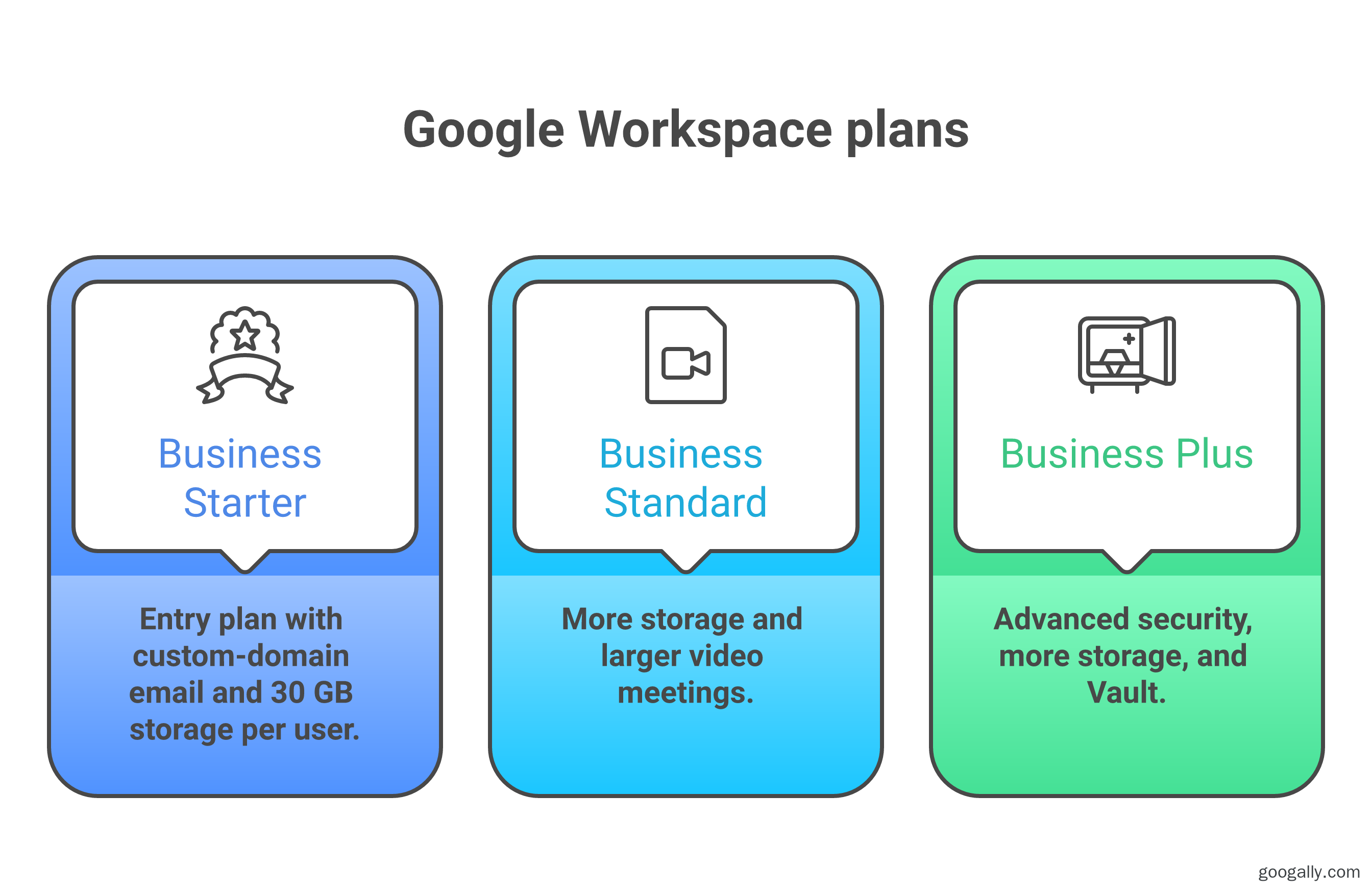
For the official feature list straight from Google, you can also review Google Workspace plans and features.
Frequently Asked Questions
Will I lose my emails if I cancel Google Workspace?
Yes — if you cancel Google Workspace without exporting first, you lose access to that mailbox and its messages. Before cancelling, use Google Takeout or a migration to move your email elsewhere. We always export and verify a full copy before shutting any account down.
Does Workspace Gmail look different from personal Gmail?
No, the inbox looks and works almost exactly the same. Workspace runs the identical Gmail interface, so there's essentially no learning curve — the differences are your custom-domain address, the absence of ads, and the admin tools working behind the scenes.
Can I keep my @gmail.com address if I switch to Workspace?
Not as your Workspace address — Workspace uses your own domain (you@yourbusiness.com). You can keep your personal @gmail.com account separately and even forward or import its old mail into your new Workspace mailbox during setup.
Is Google Workspace worth it for a one-person business?
Often yes, because a professional email address and account control matter even for solo operators. Many freelancers and consultants find that a single Business Starter mailbox pays for itself the first time a client takes them more seriously.
Ready to trade your @gmail.com for a professional address without the headache? We handle the entire switch — domain setup, migration, and zero-downtime cutover — so your email just works. See how our migration service works and we'll map the move to your own domain.
Related Posts
Explore Tips and Guides! Discover expert insights and practical guides for optimizing your Google Workspace experience with our informative resources.









.png)
.png)
.png)
.png)
.png)
.png)
.png)
.png)


.png)
.png)

.png)




.png)
.png)


.png)


