

Google Workspace for Startups: Look Bigger, Move Faster
When I help a new startup get set up at Googally, the founders are usually two or three people running the whole company from personal Gmail accounts. The moment we move them onto their own domain, something changes — they stop looking like a side project and start looking like a company customers and investors take seriously. That shift costs about the price of a couple of coffees per person.
Google Workspace gives startups professional email at their own domain, real-time collaboration in Docs and Meet, built-in Gemini AI, and business-grade security — from $7 per user a month, on a flexible plan you scale seat by seat as you hire. It's the backbone most funded startups run on.
Below is why it fits the way startups actually work — lean today, bigger next quarter — and how to pick the right plan without overspending on day one.
Is Google Workspace good for startups?
Yes — it's arguably the best fit there is for an early-stage team. Startups need to look credible, move fast, and keep costs variable, and Google Workspace is built around all three. You get a professional email address at your own domain, the collaboration tools your team already knows how to use, and the ability to add or remove people as your headcount changes, without a long-term contract if you don't want one.
The bigger reason is focus. Every hour a founder spends fighting with tech is an hour not spent building the product or talking to customers. Workspace runs itself: no email server to maintain, no software to install, automatic updates, and security handled in the background. If you're brand new to it, what Google Workspace is and includes is a good primer — but the short version is you get enterprise infrastructure without hiring anyone to run it.
Why do startups choose Google Workspace?
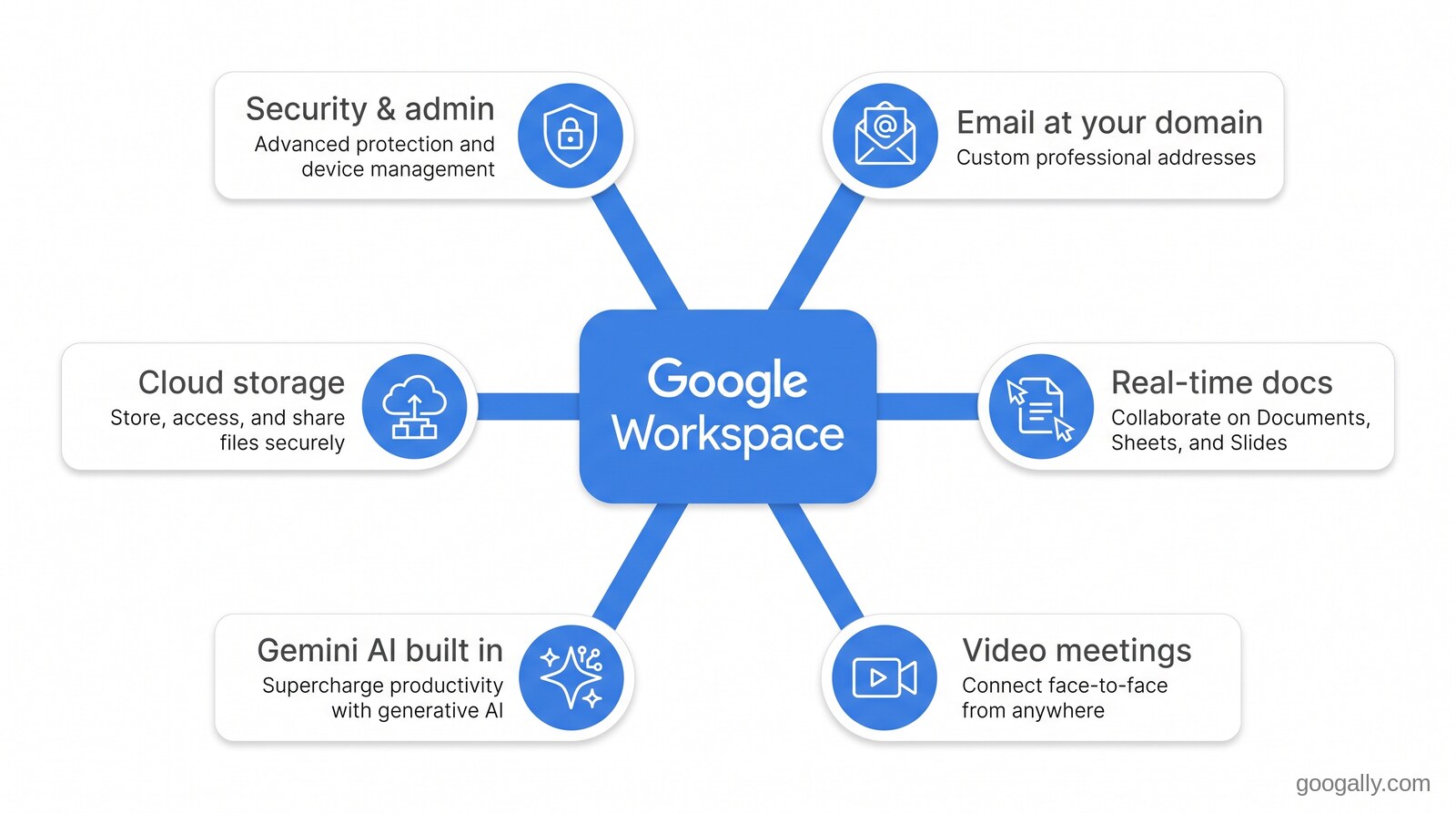
Startups choose Google Workspace because it makes a tiny team look and operate like an established company from day one. A handful of specific advantages come up again and again with the founders I work with.
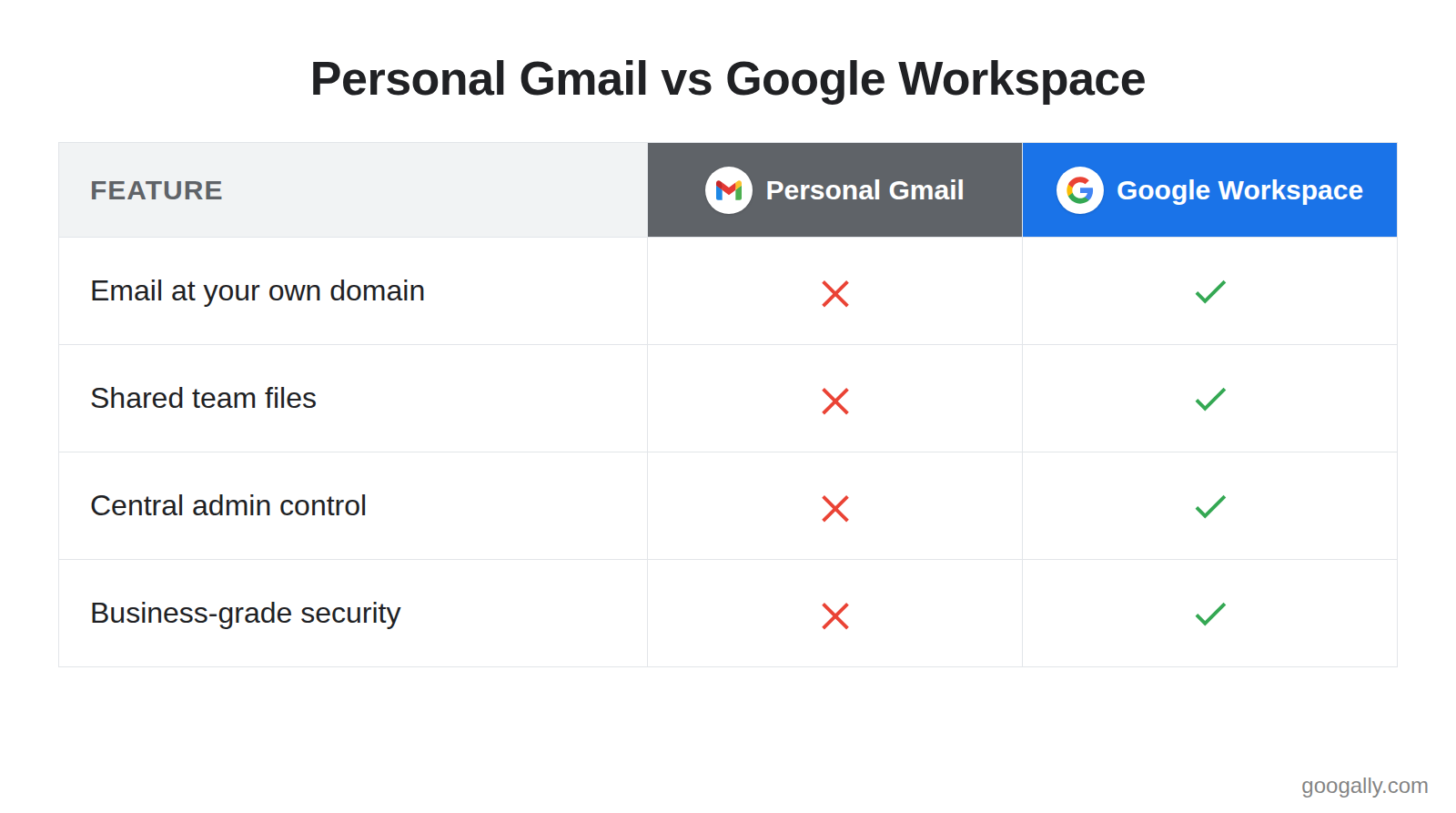
The first is credibility. An email from you@yourstartup.com lands very differently than one from yourstartup2024@gmail.com — with investors, enterprise buyers, and partners, the domain signals you're a real business. You can also create free addresses like hello@, sales@, or founders@ so inbound doesn't all funnel through one personal inbox.
The second is speed of collaboration. Docs, Sheets, and Slides let the whole team edit the same file at once, with comments and version history instead of "final_v3_REALLY_final.docx" flying around over email. Google Meet handles investor calls and standups with no downloads. When you're shipping fast, that shared, always-current workspace is the difference between momentum and confusion.
The third is built-in AI. Gemini is now included across Workspace, so your team can draft outreach in Gmail, summarize a long thread, clean up a pitch deck, or pull the key points out of a research doc without paying for a separate AI tool. For a lean team, that's real leverage on the work that eats your week.
Which Google Workspace plan is best for a startup?
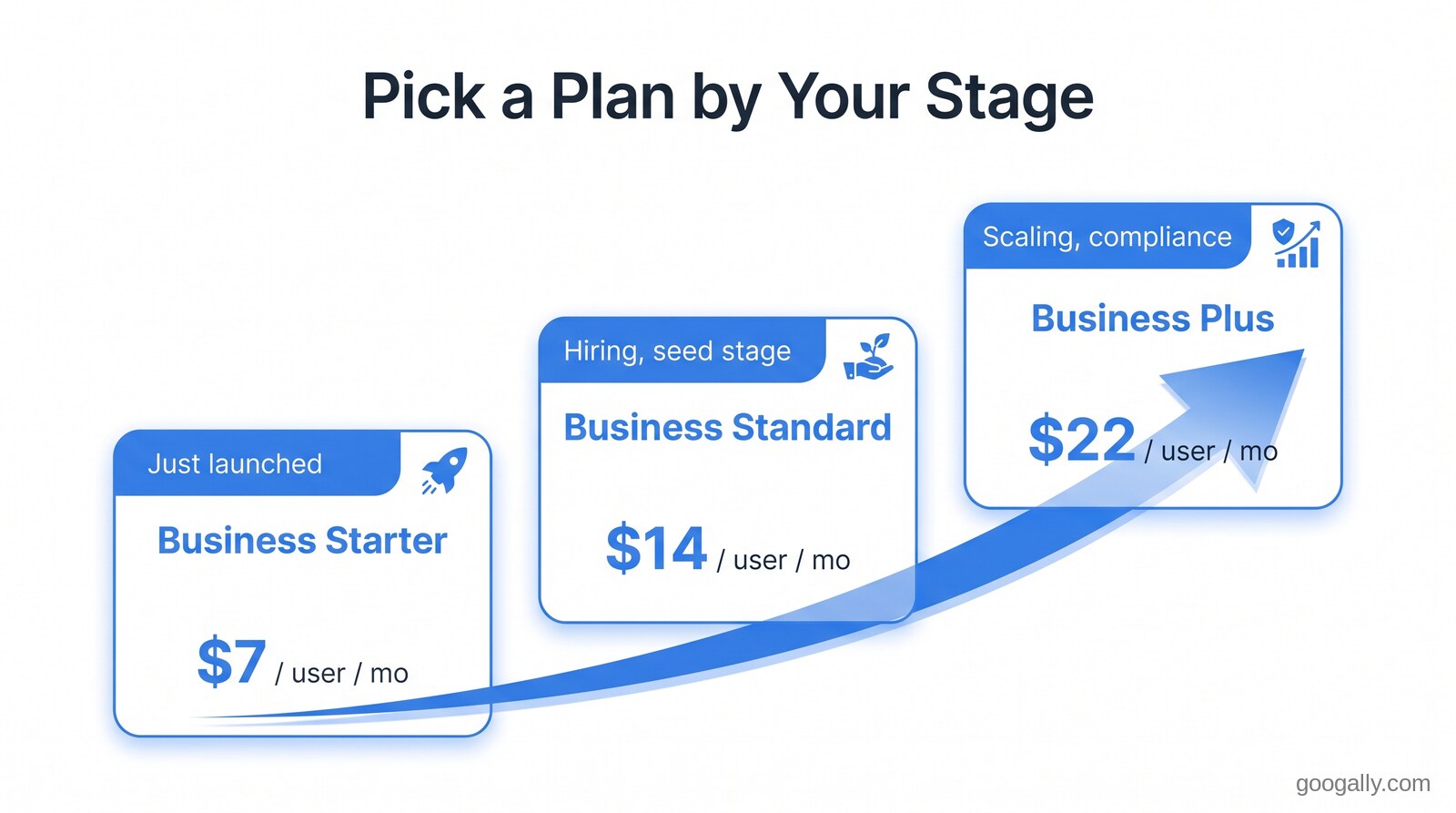
For most startups, Business Starter or Business Standard is the right starting point — Starter if you're watching every dollar, Standard the moment storage and larger meetings start to matter. Here's how the three business plans map to startup stages, at current annual pricing:
- Business Starter ($7/user/mo) — the solo founder or two-person team just getting off personal Gmail. Professional email, 30 GB pooled storage per user, and 100-person video meetings. Everything you need to launch.
- Business Standard ($14/user/mo) — the seed-stage team that's hiring. 2 TB of storage per user, 150-person meetings with recording, and more admin control. This is where most funded startups land.
- Business Plus ($22/user/mo) — the growing team with compliance or security needs. 5 TB per user, 500-person meetings, advanced security, and Vault for retention and eDiscovery.
If you're not sure which tier fits, I've written a fuller breakdown of the best Google Workspace plan for different team types. The good news is you're never locked into your first choice — you can move up a tier the day you outgrow it.
How Google Workspace grows with your startup
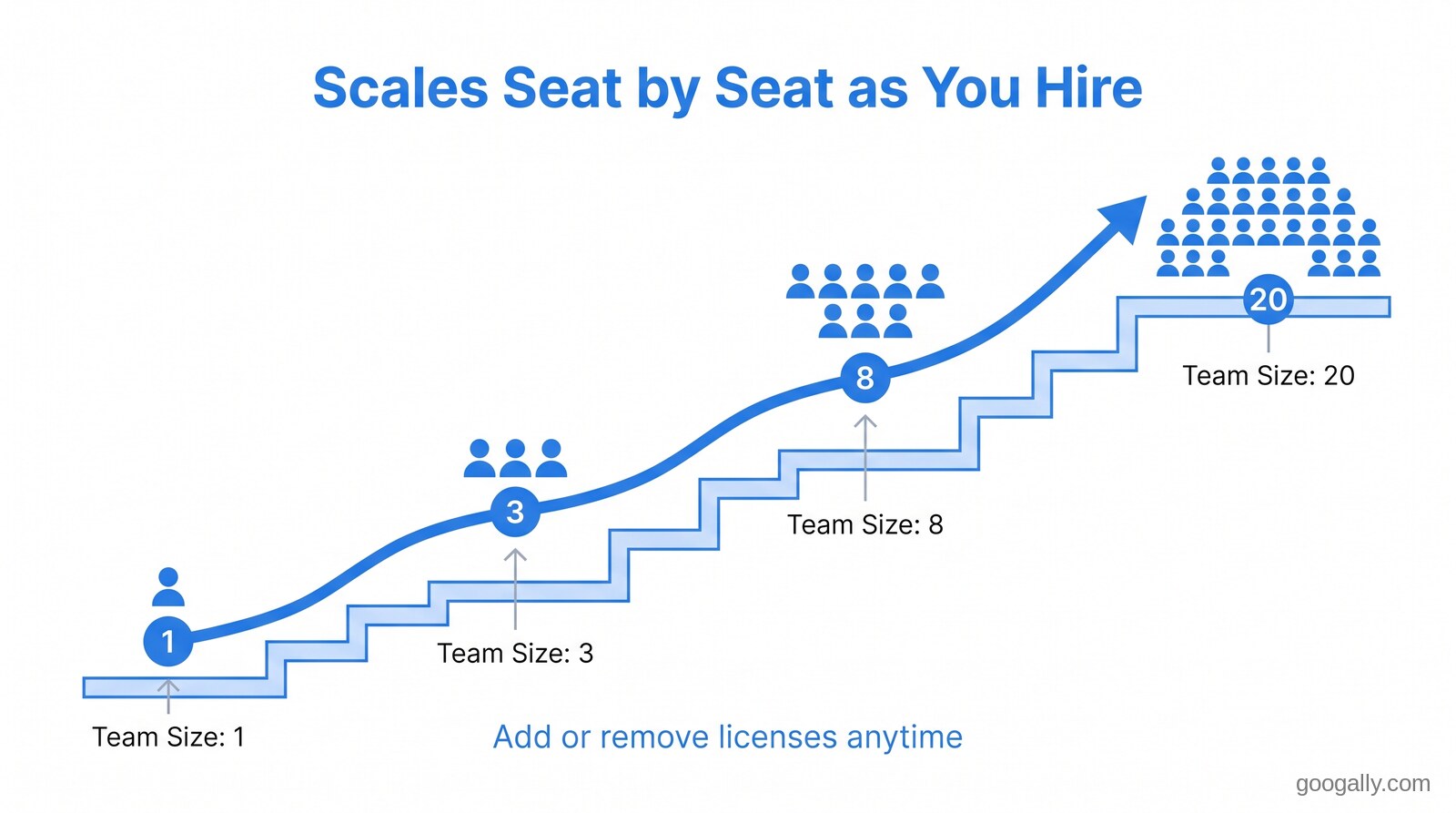
This is the part that matters most for a startup: Workspace scales seat by seat, so you only pay for the team you actually have. On the flexible plan you add a license the day someone joins and remove it the day someone leaves, billed month to month with no penalty — which is exactly the elasticity an early team needs when headcount is a moving target.
Once your team size settles, you can switch to the annual plan and lock in a lower per-user rate. I've laid out that trade-off in Google Workspace annual vs monthly — the short version for startups is: start flexible while you're still figuring out your size, then commit to annual for the discount once you're stable. Either way, the same account, email, and files carry through untouched.
Storage and features scale the same way. You start on Starter, and when your Drive fills up or you need meeting recordings, you bump to Standard without migrating anything. Your startup's tools grow with it instead of forcing a painful platform change later.
What about the Google for Startups program?
Google for Startups is a separate program, and it's worth understanding what it does and doesn't cover. It primarily offers Google Cloud credits and support to startups in eligible accelerators and partner programs — that's the cloud infrastructure side (hosting, databases, AI compute), not your day-to-day Workspace email and docs. It's genuinely useful if you're building on Google Cloud, so it's worth checking your eligibility on Google's official startups page.
For the everyday operations layer — email, calendar, docs, meetings — that's Google Workspace, and the most reliable way to lower that cost is a partner discount. As an authorized Google referral partner, Googally gives new customers an exclusive discount of 15% off the first 3 months on Business Starter, Standard, or Plus. Combined with the 14-day free trial, you can test the whole suite and then start at a discount — and if you want every angle on keeping the bill down, here's the cheapest legitimate way to get Google Workspace.
Setting up Workspace without slowing down
The last thing a founder wants is to lose a day to IT setup. The two pieces that trip startups up are moving existing email over and getting the domain configured correctly — both are quick when they're done right, and both are things we handle for teams at Googally with zero downtime, so no message is lost in the move. If you're coming from personal Gmail or another provider, your history, contacts, and calendars come with you.
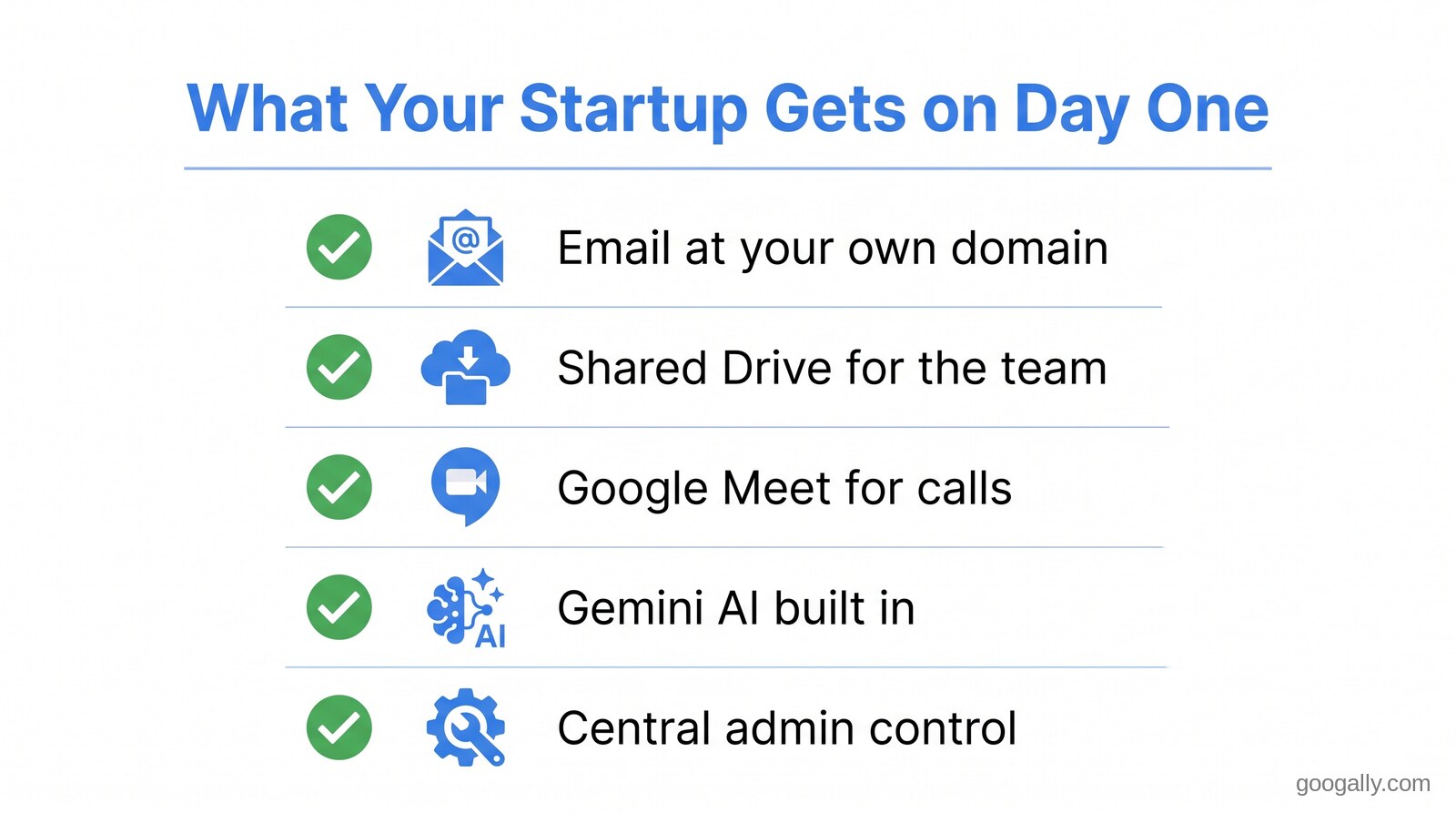
From there, the platform genuinely runs itself. You add teammates in a few clicks, security updates apply automatically, and if you ever wonder whether it's paying off, the honest answer for almost every startup is yes — I've made the fuller case in is Google Workspace worth it. For a team that lives or dies on speed and credibility, it's one of the easiest early decisions to get right.
Quick takeaways
- Google Workspace is a strong fit for startups — professional email at your domain, real-time collaboration, built-in Gemini AI, and security, from $7 per user a month.
- Credibility is the underrated win — you@yourstartup.com signals a real company to investors and customers in a way a personal Gmail never will.
- It scales seat by seat — add and remove licenses as you hire on the flexible plan; switch to annual for a lower rate once your team is stable.
- Pick by stage — Starter to launch, Standard as you hire (where most funded startups land), Plus when you need more storage or compliance.
- Google for Startups covers Cloud credits, not Workspace — for the Workspace saving, use the new-customer promo: 15% off the first 3 months.
Frequently Asked Questions
Can I use my startup's existing domain with Google Workspace?
Yes. You can connect a domain you already own or register a new one during signup. You confirm ownership by adding a short record to your domain's DNS, then create professional addresses like you@yourstartup.com for everyone on the team.
Does my startup own and control its data in Google Workspace?
Yes. Your organization owns its data. Your admin controls every account and who can access what, and you can export or delete your data at any time. Google processes it on your behalf under the Workspace terms, not for advertising.
Can Google Workspace support a fully remote startup team?
Absolutely. Google Workspace is fully cloud-based, so Gmail, Drive, Docs, and Meet work from any device or location with just a browser — no VPN or office server required. It is built for distributed teams.
What happens to my old emails when I switch to Google Workspace?
They come with you. In a managed migration, your existing emails, contacts, and calendars are transferred into Google Workspace with zero downtime, so nothing is lost and the team keeps working right through the switch.
Getting started should take minutes, not days. New startups can begin with a Google Workspace promo code for 15% off the first 3 months, and we'll handle the domain setup and any email migration with zero downtime so you can stay focused on building.
Related Posts
Explore Tips and Guides! Discover expert insights and practical guides for optimizing your Google Workspace experience with our informative resources.











.png)
.png)
.png)
.png)
.png)
.png)
.png)
.png)


.png)
.png)

.png)




.png)
.png)


.png)


