

Google Workspace User Limits: Start at 1, Scale to 300
When a client first asks me how big their team can get on Google Workspace, they're usually worried about one of two things: that there's a minimum they can't meet as a one-person shop, or a ceiling they'll smash into once they hire. I've set up Workspace for solo founders and for teams well past a hundred seats, so I can tell you exactly where the lines are. The short version is that Workspace is built to grow with you, not box you in.
Google Workspace has no minimum user count, so you can start with one seat. Business Starter, Standard, and Plus each support up to 300 users, and Enterprise editions have no maximum. A team that grows past 300 moves up to Enterprise, not off Google, so you never outgrow the platform.
That one paragraph covers most of the question, but the details matter when you're budgeting seats or planning a hire. Below I break down the minimum, the 300-user cap, what actually counts as a "user," and what happens the day you need seat number 301.
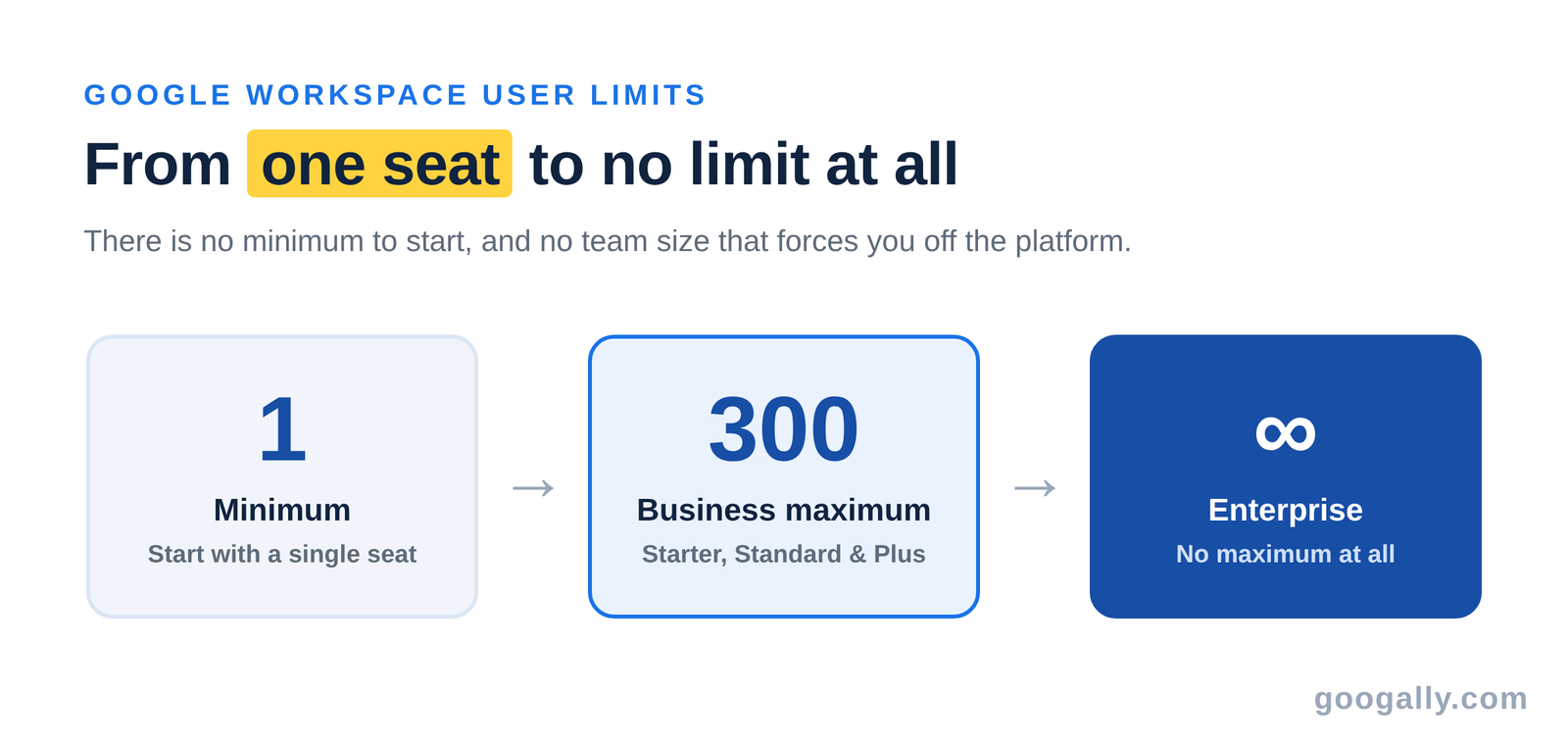
How many users can Google Workspace have?
It depends on the edition, and the range is wide. Every Business plan is capped at the same number, and the Enterprise tier removes the ceiling entirely. Here's how the seat limits line up across the plans a small business actually considers:
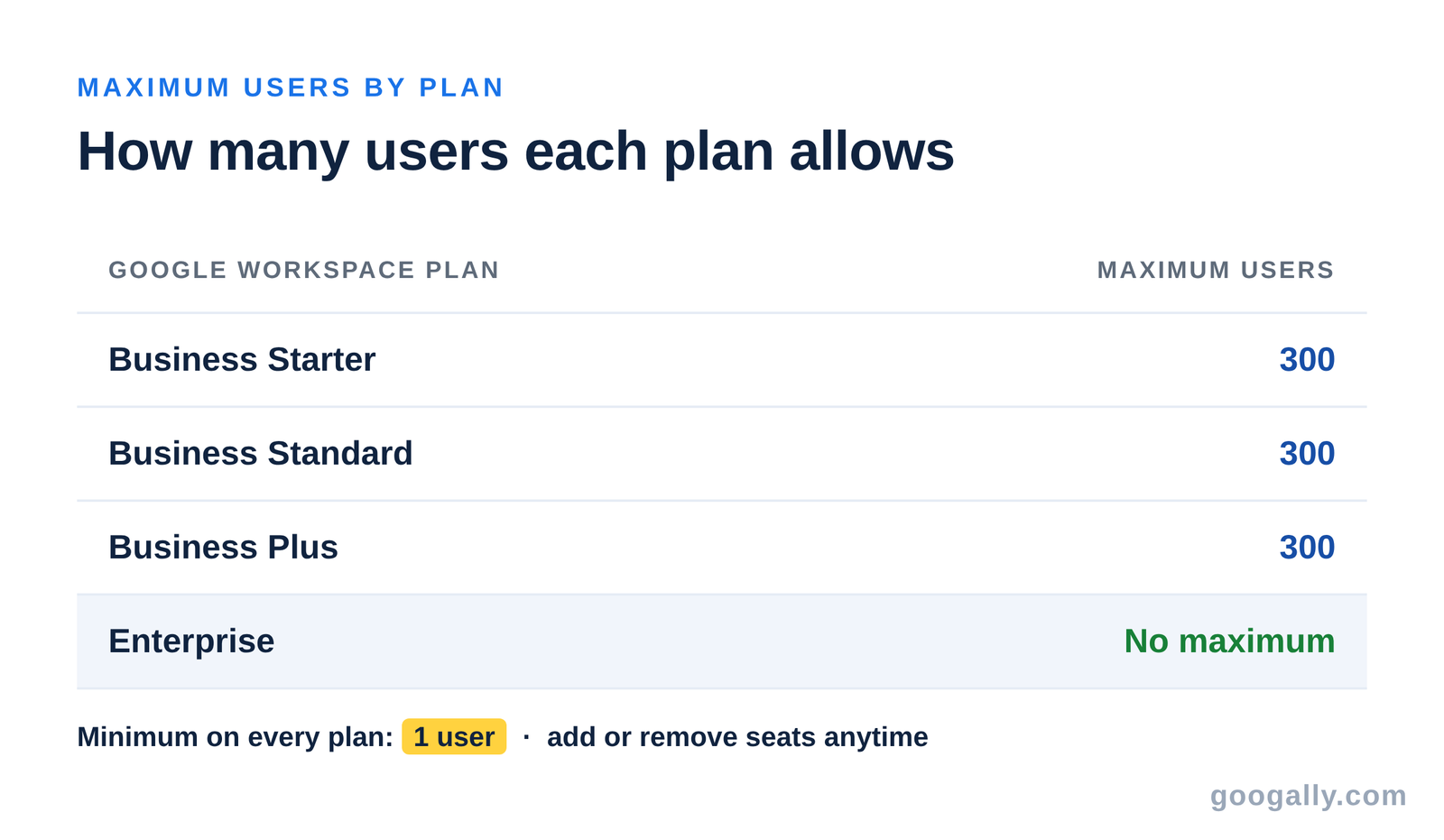
The pattern is simple: one seat gets you in the door, 300 is the Business ceiling, and Enterprise is uncapped. For the overwhelming majority of small businesses, 300 is a number you'll never approach — but it's reassuring to know the runway is there.
Is there a minimum number of users?
No. Google doesn't force you to buy a block of seats to get started — you can sign up for a single user and pay for exactly that one license. This is the piece solo founders and freelancers get wrong most often, because they assume a "business" tool demands a minimum headcount.
You pay per user, per month, so a one-person business pays for one seat and nothing more. As you hire, you add seats one at a time from the Admin console and your bill scales up in step. There's no penalty for starting small, which is exactly why Workspace suits a business that plans to grow.
That flexibility also helps if your headcount moves around during the year. A shop that brings on seasonal help or short-term contractors can add seats for the busy months and remove them afterward, so you're only ever paying for the people actually using an account. You're not locked into a seat count you set on day one.
What's the maximum on Business plans?
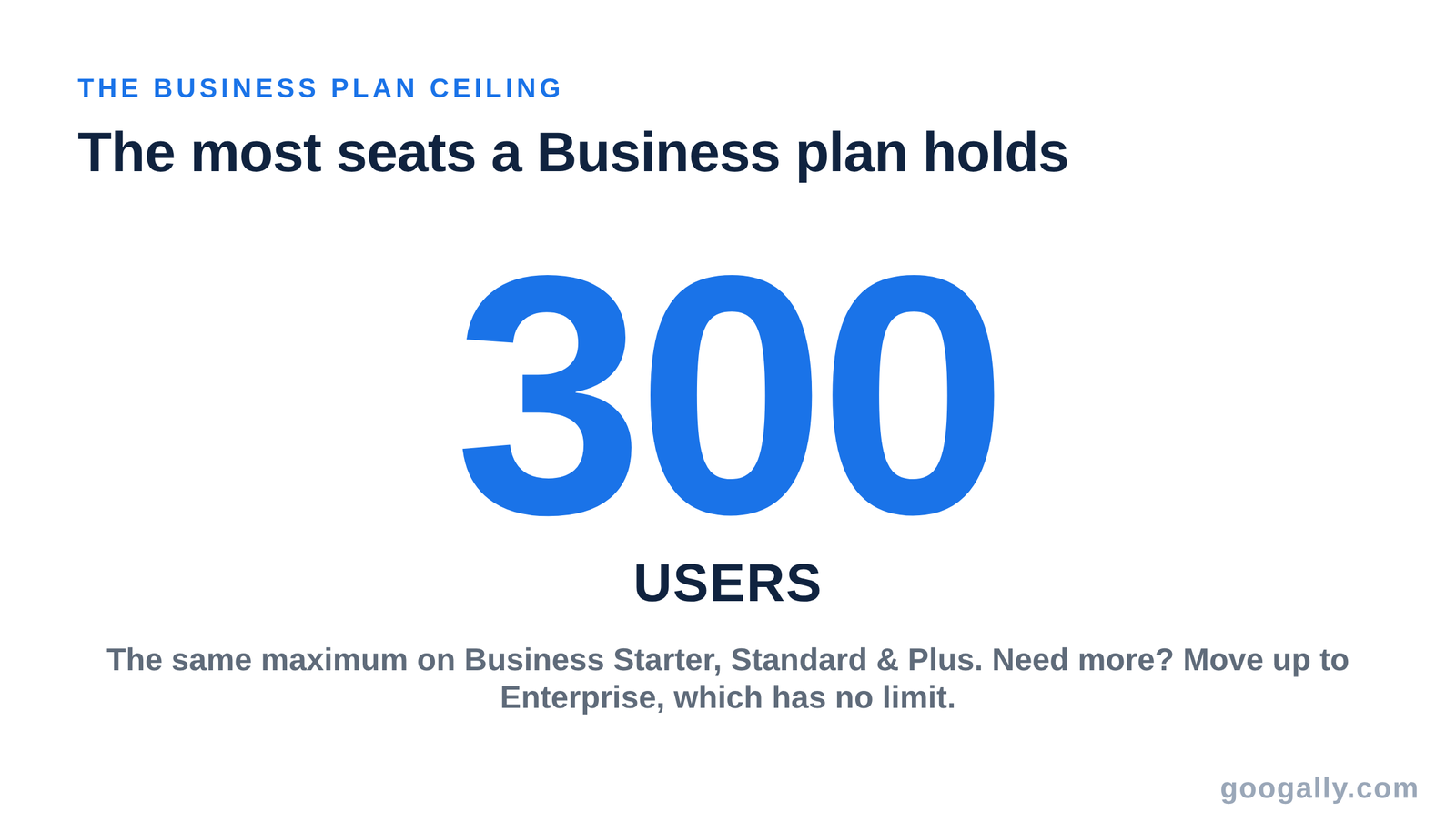
Google Workspace Business Starter, Business Standard, and Business Plus can each be purchased for a maximum of 300 users. As Google states on its official pricing page, "Business Starter, Business Standard, and Business Plus plans can be purchased for a maximum of 300 users." That cap is the same whichever of the three Business plans you choose — upgrading from Starter to Plus gets you more storage and features, not more seats.
Three hundred is a genuinely generous ceiling for a small or mid-sized business. To put it in perspective, you'd need to be running a company with a few hundred employees before the Business tier even became a question — and by then, the richer admin controls in Enterprise are usually what you want anyway.
What happens when you outgrow 300 users?
You move up to a Google Workspace Enterprise edition, which has no minimum or maximum user limit. This isn't a migration to a different product or a different company — it's a plan change inside the same Workspace account, so your email, files, and settings stay exactly where they are.
In practice, a growing team contacts Google (or a partner) to move onto Enterprise, and the switch happens behind the scenes. Nobody has to recreate accounts or re-learn a new system. That continuity is the real value here: the tool you chose at one seat is the same tool that carries you past a thousand.
Enterprise also unlocks heavier-duty controls that a large organization tends to want anyway — advanced security, compliance, and data-region settings among them. So crossing 300 usually lines up with the point where you'd be reaching for those features regardless. The limit isn't a wall you hit and scramble over; it's a natural step up as your company matures.
Do aliases and groups count toward your user limit?
No — only licensed users count against your seat total. An email alias is just a second address that lands in an existing user's inbox, and a group (like sales@yourcompany.com) is a shared address that forwards to members. Neither one needs its own paid license.
This matters for your budget. If you want info@, support@, and billing@ addresses, you don't buy three extra seats — you set them up as aliases or groups on the seats you already have. Knowing the difference between a user, an alias, and a group can save a small team real money, and setting up a free email alias takes about a minute.

How much does each user cost, and how do you keep the bill down?
Because Workspace bills per user, your total is simply your per-seat price multiplied by your headcount. That makes the plan you pick the biggest lever on your bill — it's worth comparing which Google Workspace plan fits before you add a dozen seats at the wrong tier. If you're just starting out, Business Starter is the entry point; Business Plus adds more storage and security for teams that need it.
The second lever is the sign-up discount. As one of Google's top referring partners, we pass along a code for 15% off the first 3 months for new customers — on top of whatever plan you choose. If you're adding more than a seat or two, that discount adds up fast. You can grab the current Google Workspace promo code and see exactly where to paste it at checkout.

The bottom line
Google Workspace scales from one seat to 300 on any Business plan, and without limit on Enterprise — so neither a tiny team nor a fast-growing one has to look elsewhere. Start with the seats you need today, add more as you hire, and change your plan if your needs outgrow your tier. For teams scaling quickly, our guide to Google Workspace for startups covers the setup choices that pay off later. When you're ready, apply your discount code at checkout and start at the right size for your business.
Frequently asked questions
Can I add or remove users at any time?
Yes. You add or delete users from the Admin console whenever you hire or someone leaves, and your billing adjusts to match your active seat count. There's no need to commit to a headcount up front.
Does every person need their own license, or can staff share one login?
Each person needs their own licensed user account. Sharing a single login across employees breaks Google's terms and causes security and sync problems, so a real seat per person is the only supported setup.
What happens to a user's email and files when I remove them?
Before deleting the account, an admin can transfer that person's Gmail, Drive files, and calendar to another user so nothing is lost. The data stays within your organization, not with the person who left.
Can different users be on different Google Workspace plans?
Within one account you generally keep everyone on the same Business edition, but you can move the whole organization up a tier as needs change. Mixing editions is an Enterprise-level arrangement, not something a typical small business needs.
Is there a user limit during the free trial?
The free trial runs on a Business plan, so it follows the same seat rules — you can add multiple users to test with, up to the Business maximum, and only start paying when the trial ends.
Related Posts
Explore Tips and Guides! Discover expert insights and practical guides for optimizing your Google Workspace experience with our informative resources.




















.png)
.png)
.png)
.png)
.png)
.png)
.png)
.png)



.png)
.png)

.png)






.png)
.png)


.png)


