Google Workspace eSignature: It's Already Built In
Every week a small-business owner tells me they're paying a monthly fee to a separate signing app, and almost every time they already have signing built into the plan they're paying Google for. I've set this up for client teams more times than I can count, and it covers the contracts most small businesses actually send. Here's exactly what Google Workspace eSignature is, which plans include it, and when it's genuinely all you need.
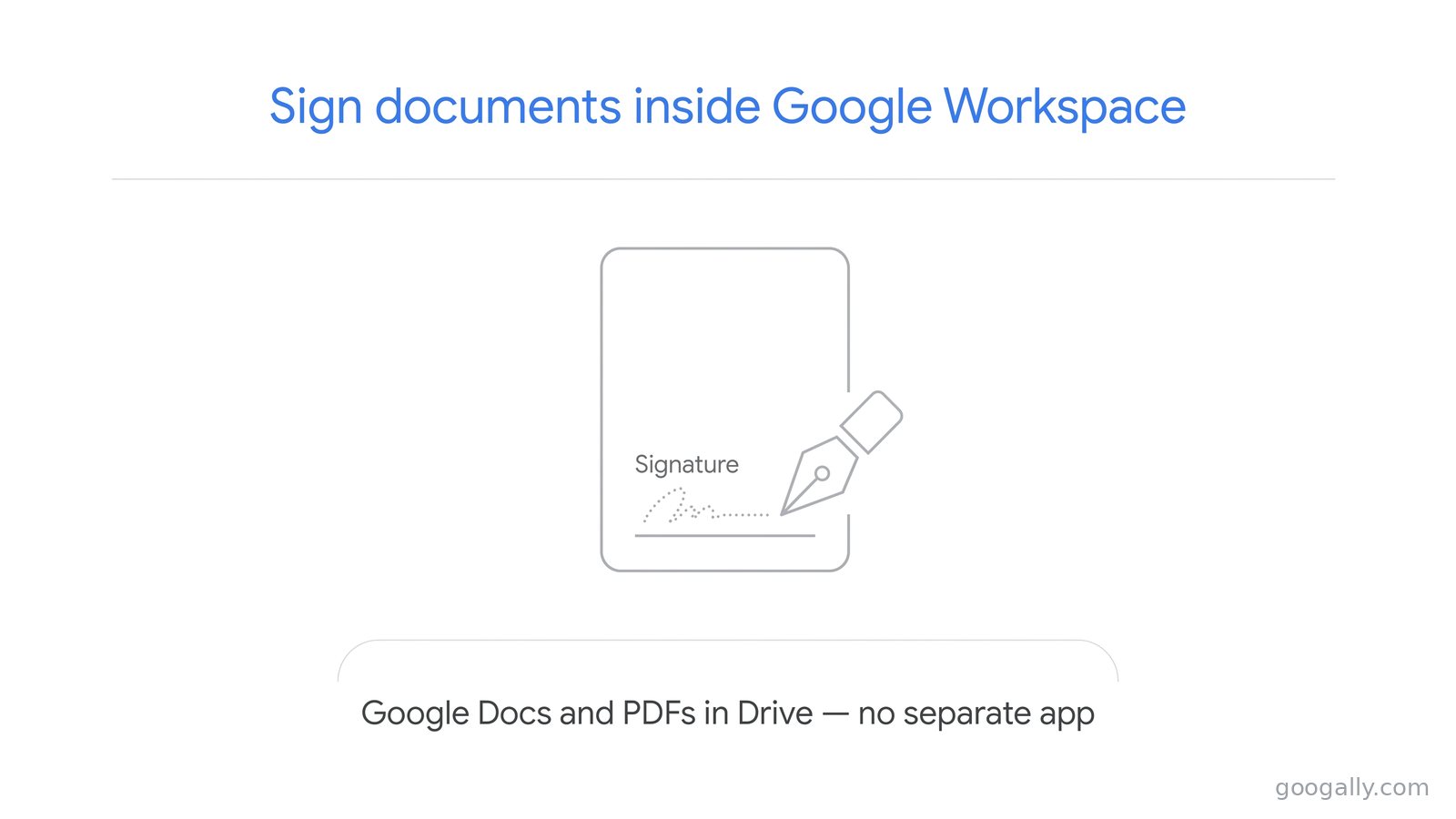
Google Workspace includes built-in eSignature on Business Standard, Business Plus, and the Enterprise plans — not Business Starter. You can collect legally sound signatures on Google Docs and PDFs from up to 10 people, including signers outside your company, with no third-party app.
That means a lot of teams are paying for a signing tool they don't need. But it isn't on every plan, and it isn't built for every job, so below I'll cover the plans, what it does well, where it stops, and whether it's worth moving up a tier to get it.
What is Google Workspace eSignature?
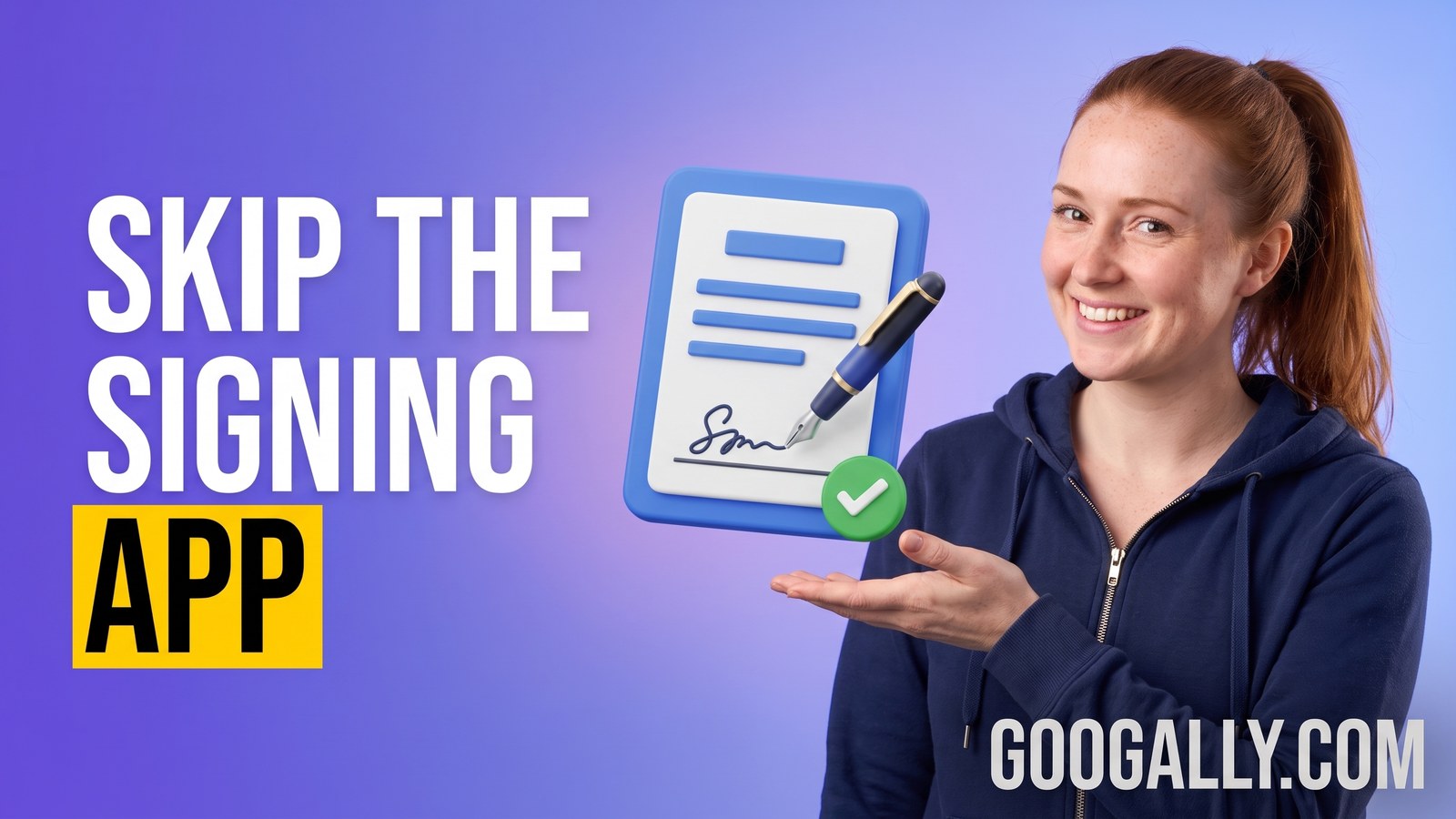
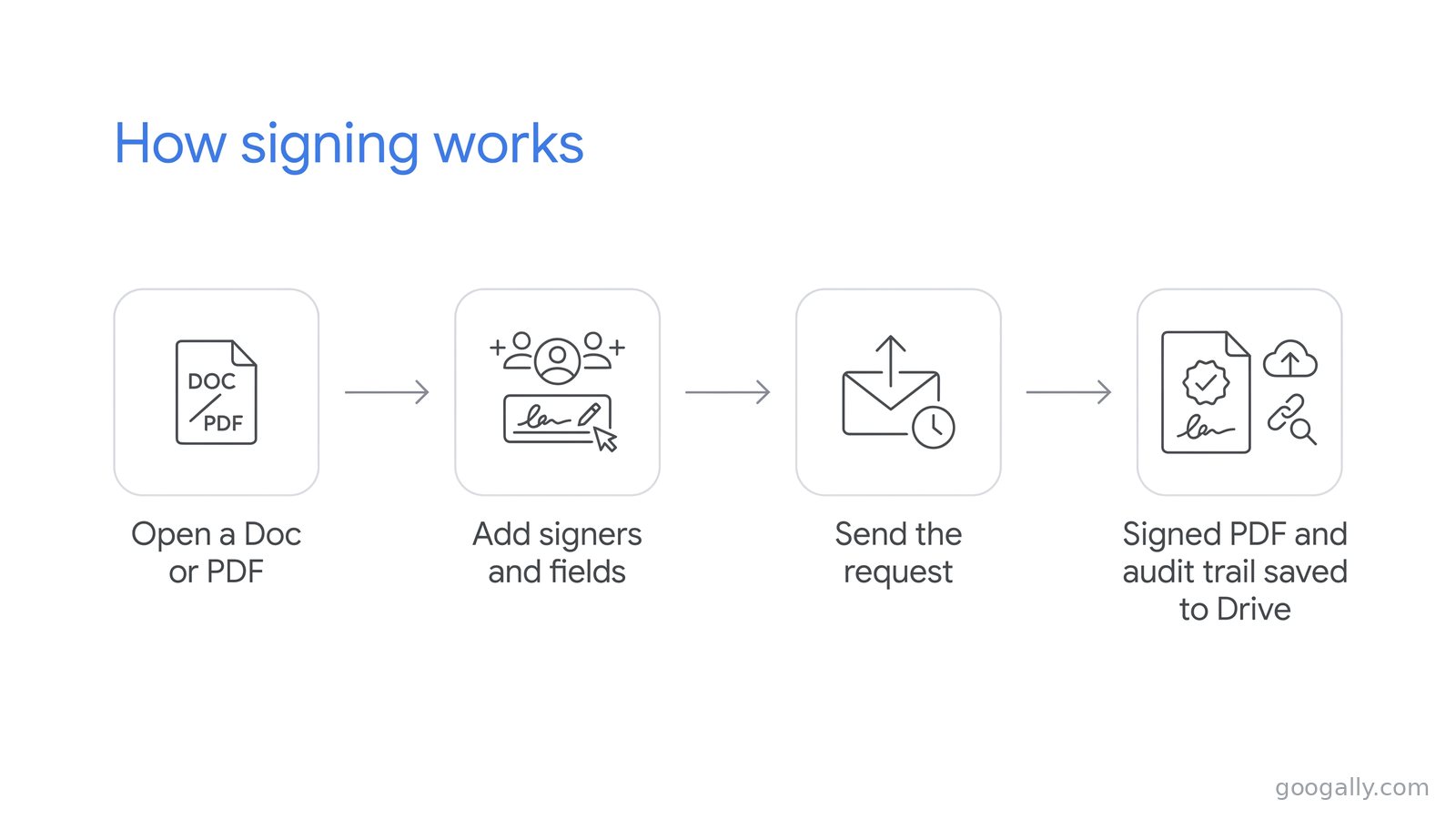
Google Workspace eSignature is a native feature that lets you request and collect electronic signatures directly inside Google Docs and Drive — no add-on, no separate login. You open a contract or PDF, drop in signature and date fields, and send it off for signing without ever leaving Google.
It's a real, legally sound e-signature flow, not a picture of a signature pasted into a document. Each completed file gets an audit trail: a final page logging who signed, when, and from where, plus a locked PDF copy saved to Drive. For the day-to-day paperwork a small business runs on — client agreements, NDAs, proposals, offer letters — that's the whole job done inside the tools you already use.
Don't confuse it with a Gmail email signature, which is just the sign-off block at the bottom of your messages. eSignature is about signing documents.
Which Google Workspace plans include eSignature?
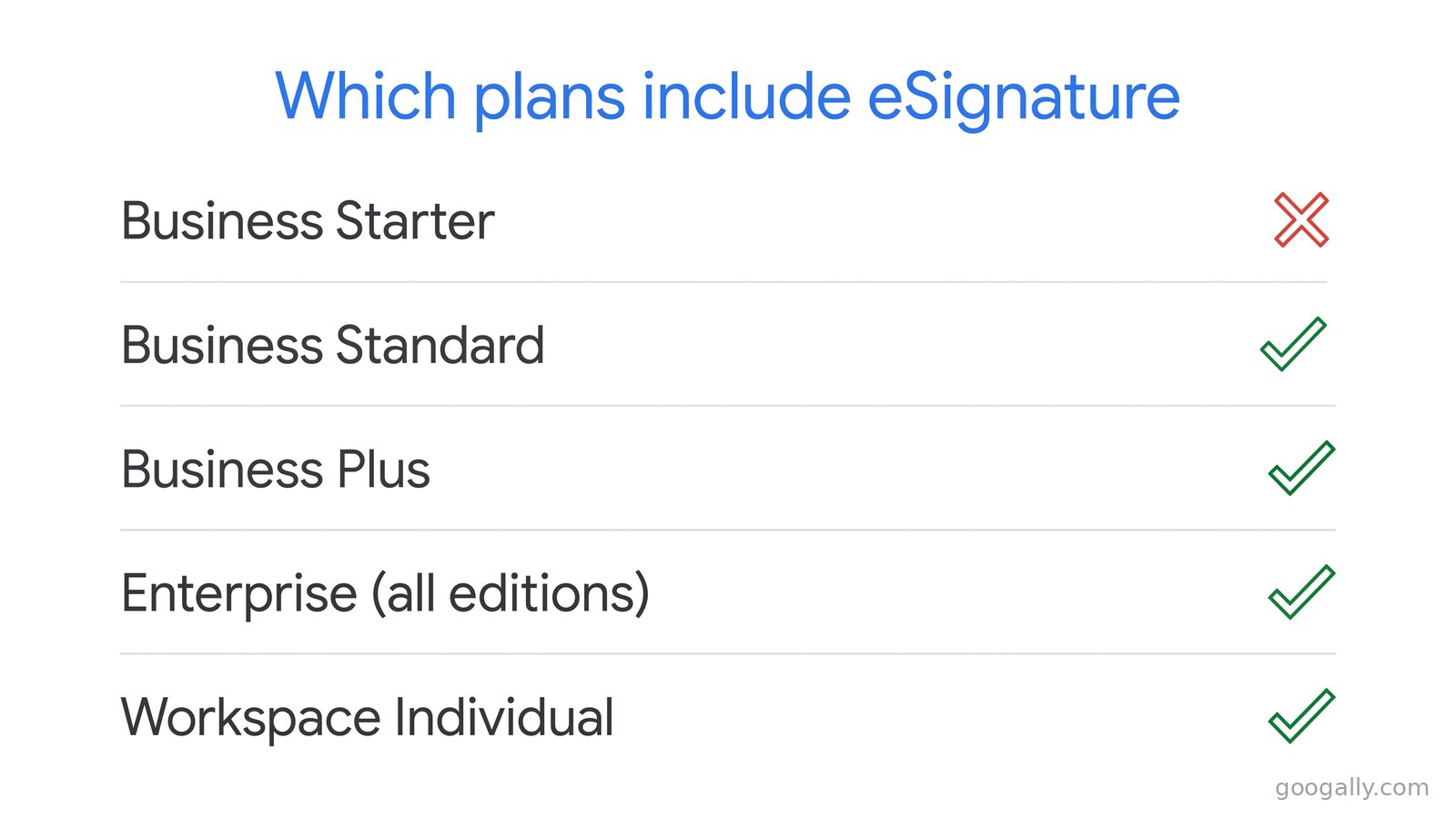
This is the part that trips people up, so here's the clean answer. eSignature is included on Business Standard, Business Plus, and every Enterprise edition (Enterprise Starter, Standard, and Plus), as well as Workspace Individual and Education Plus. It is not included on Business Starter, the entry plan.
So if you're on Business Starter and want native signing, you need to move up to Business Standard or higher. One more wrinkle: even on an eligible plan, an administrator has to switch the feature on for your organization (it's on by default for most, but worth checking if you don't see it).
Because signing lives on the paid tiers, it's one more reason the mid plans earn their price — you're not buying a bolt-on, you're folding a whole signing tool into a plan you'd run anyway. Whether that's worth the step up from Starter is exactly what the next sections work through.
What you can do with Google Workspace eSignature
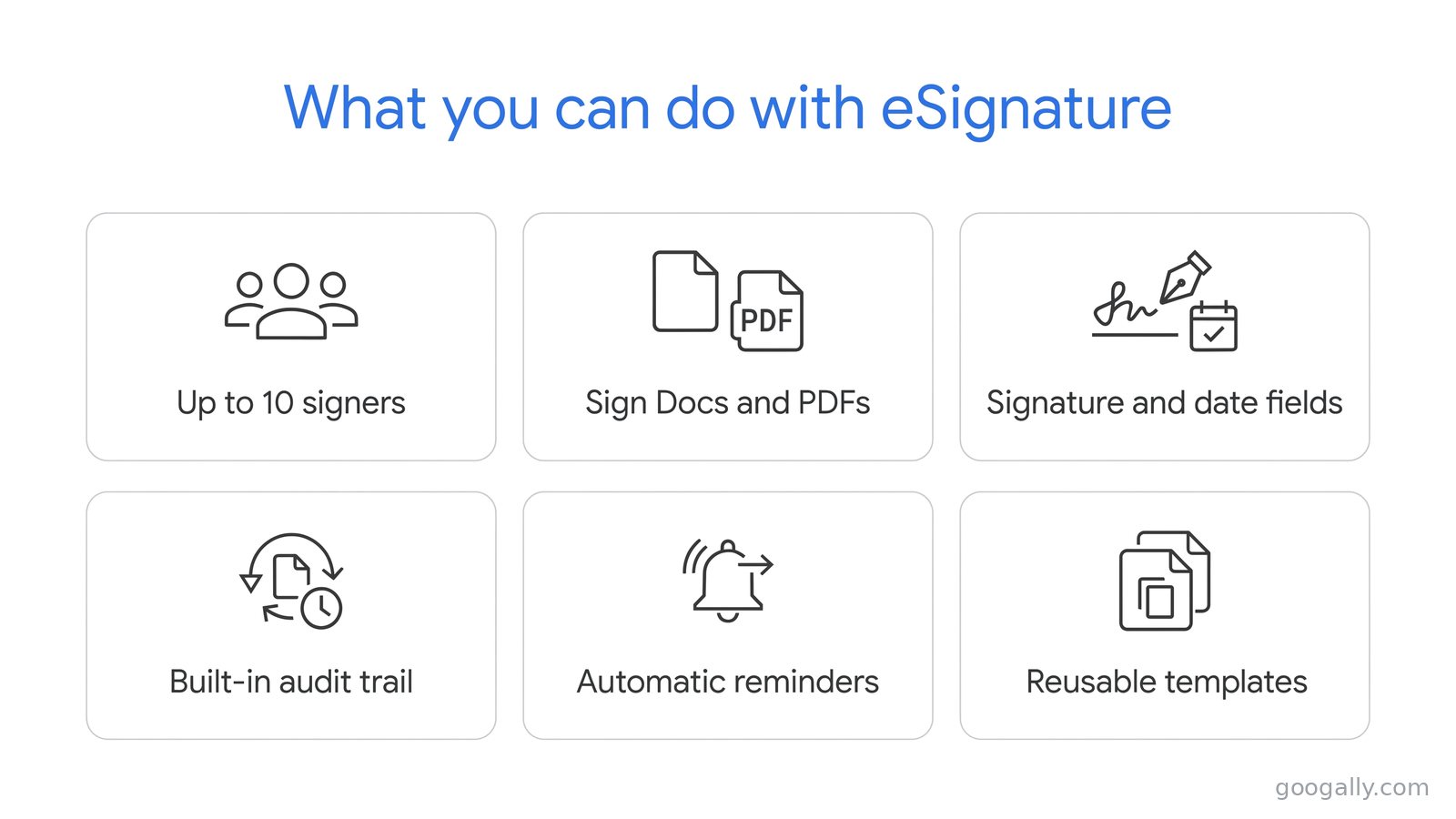
Within those plans, the feature does more than slap a signature on a page. You can sign a document yourself, or request signatures from other people — up to 10 signers on a single request, including people outside your company and non-Gmail users.
You can sign Google Docs, PDFs stored in Drive, and Microsoft Word files opened in Docs. Into any of those you can drop fields for a signature, initials, the signer's name, the date signed, and custom text (handy for a job title or company name). A single document supports up to 200 fields, which is far more than a normal contract needs.
Once a request goes out, Google handles the chase for you. Signers get the document by email, automatic reminders go out if they stall, and anyone can reject with a note back to you. When the last person signs, everyone gets a finished PDF with a built-in audit trail, and you can save a frequently used contract as a template so the fields are ready next time.
What it doesn't do (and when you'd still want a dedicated tool)
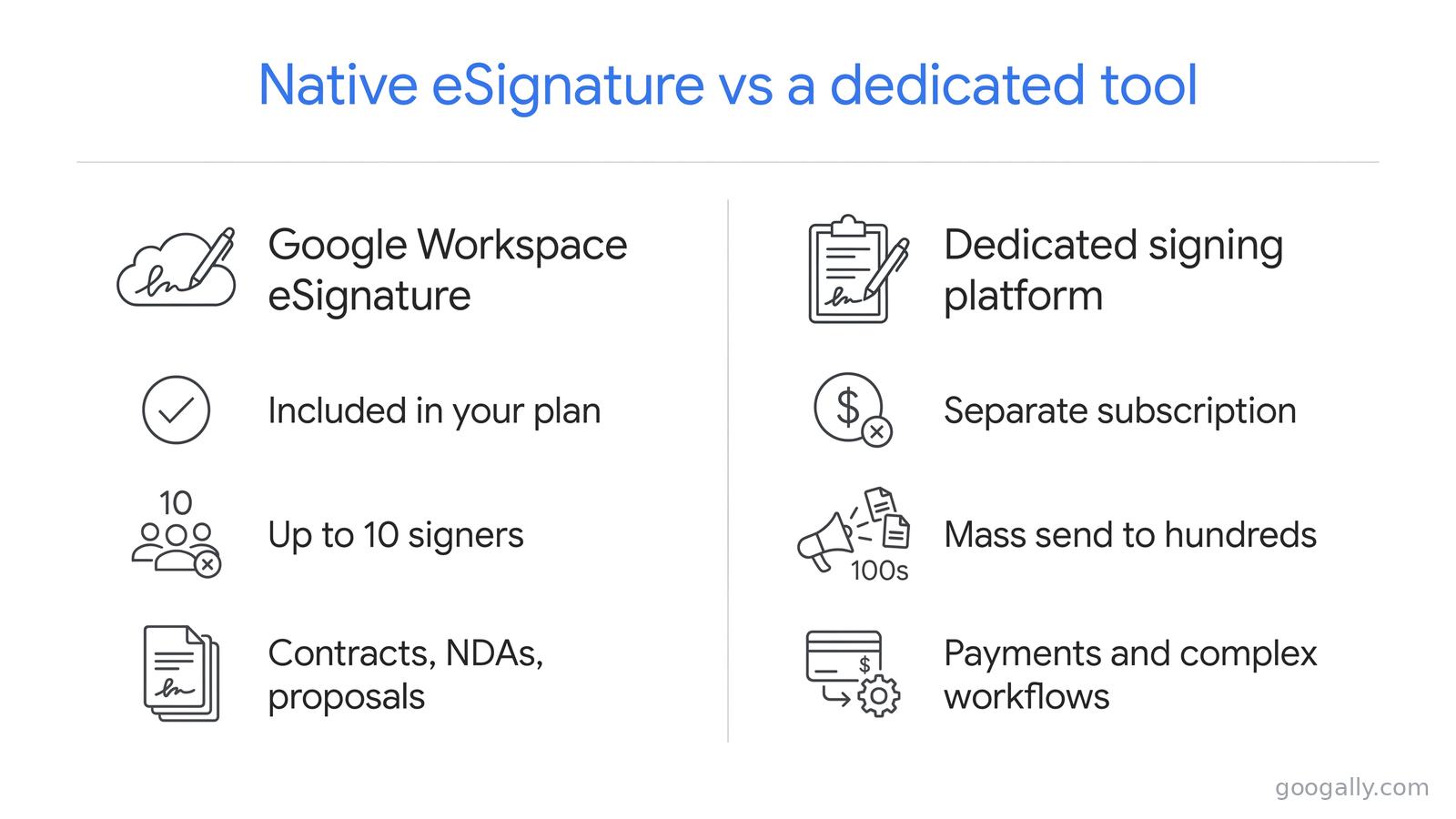
Native eSignature is built for ordinary business paperwork, not high-volume signing operations, and it's worth knowing where the edges are. The cap is 10 signers per request, so it's not meant for mass-sending one document to hundreds of recipients at once. It also doesn't collect payments or run complex, branching approval routes.
A few practical limits: once you send a request, the PDF is locked, so a change means canceling and resending from an updated file; and you can only cancel while a request is still pending. The requester also needs edit or owner access to the file.
If your business sends thousands of signature requests a month, needs to take payment at signing, or runs regulated, multi-branch workflows, a dedicated e-signature platform still earns its keep. For the contracts most small teams send, though, none of that applies — which is the whole point of the next section.
eSignature vs a paid signing tool: what most small businesses need
Here's the honest math. The typical small business signs client contracts, NDAs, statements of work, offer letters, and the occasional vendor agreement — a handful of documents a week, each going to one or two people. Every one of those fits comfortably inside Google Workspace eSignature's 10-signer limit.
If that's your reality, a separate subscription is money you don't need to spend. You already own the signing feature inside your plan, it keeps every signed file in the same Drive as the rest of your work, and the audit trail travels with the PDF. The dedicated platforms are built for a different scale of problem — mass campaigns, payments, deep integrations — not the weekly contract a consultant or agency sends.
Is it worth upgrading from Business Starter just for eSignature?
If you sign documents regularly, yes — and the signing feature is only part of what you get. Moving from Business Starter to Business Standard also jumps your pooled storage from 30 GB to 2 TB per user and adds larger meetings and recording, so you're not paying purely for signatures.
Run the comparison against a standalone signing subscription. A dedicated tool often costs as much per month as the entire step up from Starter to Standard — except the plan upgrade also hands you more storage, better Meet, and the rest of the tier. For a business that signs even a few contracts a month, changing plans usually comes out ahead of bolting a signing app onto the side. If you're still sizing up the tiers in general, our guide to what you pay per user lays the costs out.
How to start signing (once you're on the right plan)
You don't need a setup project. On an eligible plan with the feature enabled, eSignature lives right where you work: open a Google Doc and find eSignature under the Tools menu, or open a PDF in Drive and choose eSignature from its menu. From there you add your signers and fields and send — Google emails the request and tracks it to completion.
The only prep worth doing is confirming two things first: that you're on Business Standard or higher, and that your admin has the feature turned on. After that, it behaves like any other part of Docs and Drive, which is exactly why it's such an easy win for a small team.
The bottom line
Google Workspace eSignature turns the plan you're already paying for into a complete contract-signing tool, as long as you're on Business Standard or above. For the weekly agreements, NDAs, and proposals that make up most small-business signing, it replaces a separate subscription outright — same Drive, same login, with a signed PDF and audit trail at the end.
If you're on Business Starter and signing is becoming a regular task, that's the clearest signal to move up a tier, and we can help you do it cleanly. At Googally we'll match you to the right plan, migrate you with zero downtime, and get you 15% off the first 3 months for new customers with our Google Workspace promo code. You can read the fine print on signing straight from Google's eSignature help page.
FAQ
Is Google Workspace eSignature legally binding?
For everyday business documents, yes — it produces a completed PDF with an audit trail recording who signed, when, and where, which is the kind of record electronic-signature laws expect. As with any contract, the agreement still has to be valid on its own terms, but the signing mechanism itself is built to hold up.
Can someone sign if they don't use Google Workspace?
Yes. You can send a signature request to people outside your organization, including non-Gmail users, and they sign through the link Google emails them. That's what makes it practical for client and vendor contracts, where the other side rarely shares your setup.
Does the free, personal version of Gmail include eSignature?
No. eSignature is a paid Google Workspace feature; a free personal Google account doesn't have it. The lowest tier that includes it is Business Standard, along with Workspace Individual for solo users — Business Starter and free Gmail do not.
How many documents can I send for signature?
Google doesn't publish a cap on the number of signature requests, so for normal business volume you can treat it as unrestricted. The limit that matters in practice is 10 signers on any single request, which covers the vast majority of contracts a small business sends.
Can I reuse the same contract without rebuilding it each time?
Yes. You can save a PDF with its eSignature fields already placed as a template, so recurring documents like NDAs or standard client agreements come up ready to send. It's one of the quiet time-savers that makes the native tool worth using over pasting signatures manually.
Can I sign a document on my phone?
Signing works from the Google Docs and Drive apps on mobile, so a signer can complete a request from a phone without a computer. For building and sending a request with fields, a larger screen is easier, but the signing step itself travels fine.
Related Posts
Explore Tips and Guides! Discover expert insights and practical guides for optimizing your Google Workspace experience with our informative resources.